

InstaSave
InstaSave screenshots (8)

Description InstaSave
A Dedicated Tool for Archiving Instagram Content
InstaSave provides a focused, utilitarian solution for downloading photos and videos directly from Instagram. It operates as a standalone utility, designed to integrate seamlessly into your browsing workflow without disrupting the core Instagram experience. The primary function is straightforward: transform any public Instagram post link into a locally saved file within seconds. This review examines the mechanics and practical application of version 2.1.7 from UptoDownload, assessing its efficiency and place within the social media utility category.
Core Functionality and User Workflow
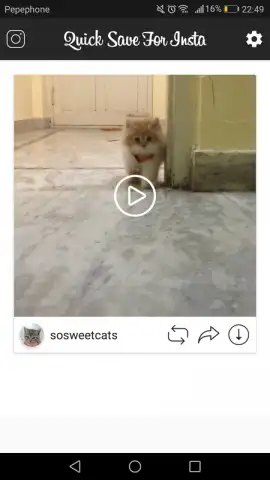
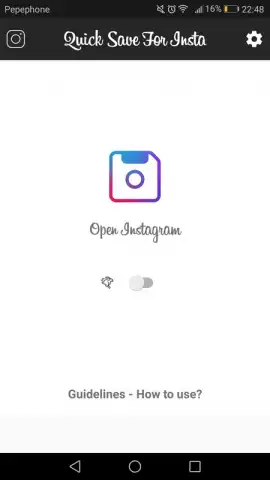
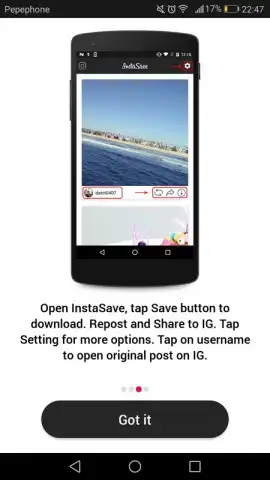
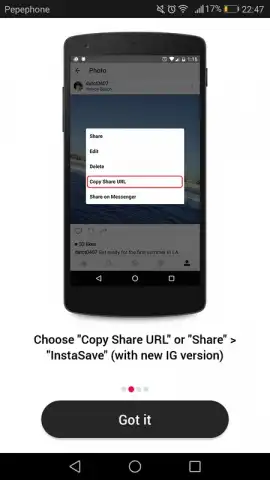
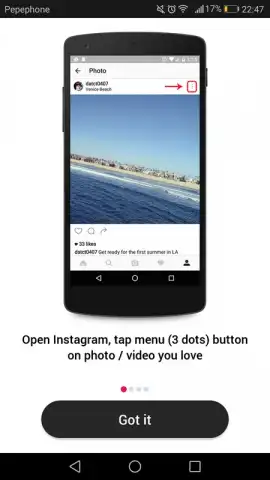
The application’s process is built around a copy-and-paste paradigm. While browsing Instagram, when you encounter a post you wish to save, you copy its share link. Upon switching to InstaSave, the app automatically detects the clipboard content and presents the media for download. You are then given a clear choice between saving the video or the high-resolution image. The saved content is stored locally on your device, creating a personal media library independent of Instagram's servers or your feed's chronological order. This allows for offline viewing, repurposing of content with proper attribution, or simple organization free from platform algorithms.
Operational Modes and Interface Considerations
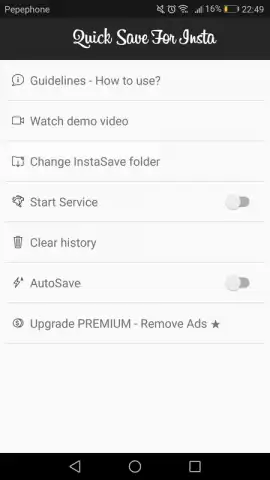
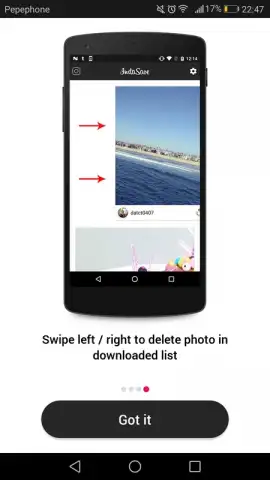
InstaSave offers two distinct operational modes to cater to different user preferences. The standard manual mode provides control at each step, allowing you to preview and select the specific media type before downloading. For users seeking maximum efficiency, the automatic mode initiates an immediate download upon link detection, streamlining the process to a single action. The interface is minimalistic, prioritizing function over form, with a history log of downloaded items. Management of this library is facilitated by swipe-to-delete gestures, enabling quick curation and cleanup of saved files. The absence of in-stream advertisements, particularly when utilizing optional enhanced features, contributes to an uninterrupted, task-oriented environment.
- Save Instagram photos and videos
- Simple copy-paste link workflow
- Manual and automatic download modes
- Swipe-to-delete media management
We suggest trying InstaSave if you frequently curate visual content from Instagram for reference, inspiration, or offline access. Consider downloading it to handle media saves directly from your device.
Internet required. IAP available.


