

M Launcher
M Launcher screenshots (10)

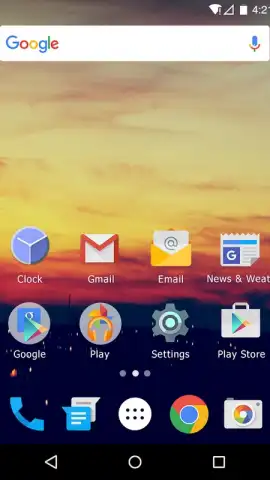

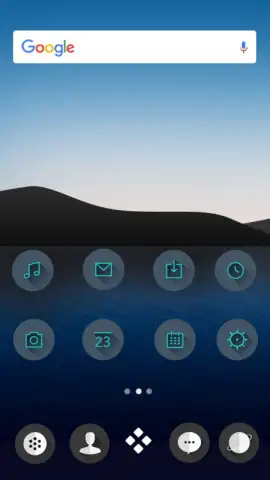
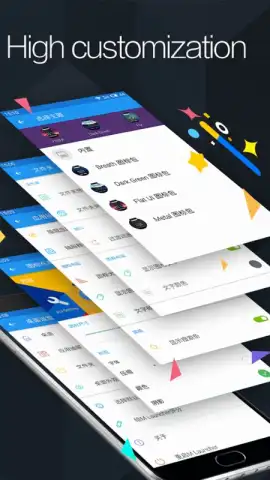
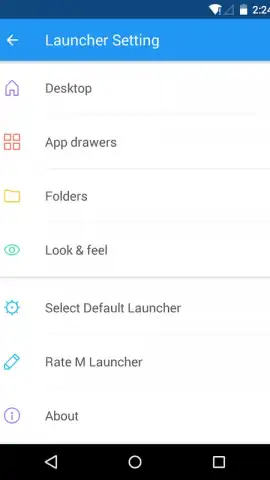
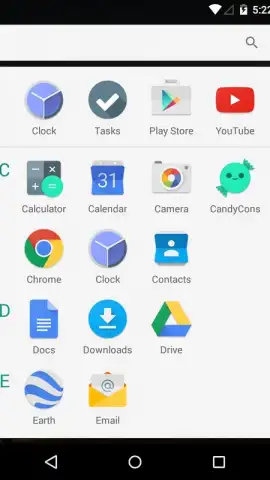
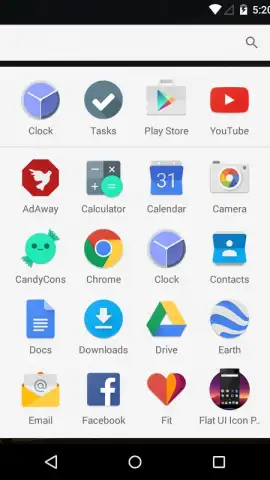
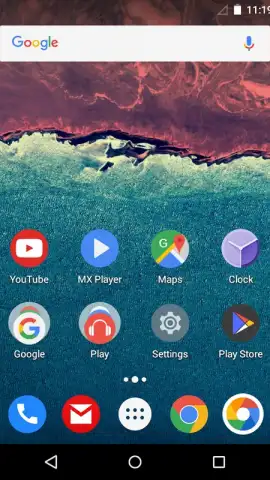
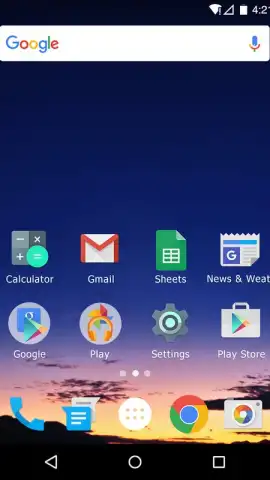
Description M Launcher
A Home Screen That Feels Like It's Yours
The standard Android launcher often feels like a rental property—functional, but impersonal and restrictive. You arrange your icons, pick a wallpaper, and yet it never truly feels like your device. M Launcher approaches this problem from a different angle, treating your home screen as a dynamic canvas rather than a static grid. It replaces the feeling of obligation with one of creative control, shifting the user experience from simple organization to genuine personal expression.
Core Mechanics and Tools
M Launcher operates on the principle of deep, layered customization without overwhelming complexity. At its foundation is a highly adaptive grid system that allows for unprecedented control over icon size, label visibility, and folder design. Beyond layout, it introduces a context-aware sidebar that provides instant access to favorite contacts, frequent apps, and system tools with a simple swipe from any screen. The launcher employs a smart search function that indexes not just app names, but also contents and actions within installed applications. A central theme engine doesn't just apply static wallpaper packs; it dynamically coordinates icon shapes, color palettes for widgets, and even system font styles from a single selection. The performance layer works continuously in the background, managing memory allocation for a consistently smooth transition and animation experience, even on older hardware.
Key Advantages
The primary strength of M Launcher is its balanced approach. It delivers professional-grade customization tools wrapped in an intuitive interface that avoids feeling like a developer toolkit. Visually, it champions coherence, ensuring that applied themes affect all visual elements uniformly for a polished, integrated look. From a usability standpoint, its gesture navigation system is highly configurable, allowing users to replace standard actions with custom shortcuts, app launches, or system toggles. Performance optimization is a clear focus, with efficient coding that minimizes battery drain and RAM usage compared to many feature-heavy launchers, making its advanced features accessible even on devices running Android 4.1 and above.
- Fully Adaptive Grid System: Precisely control icon size, spacing, and folder aesthetics beyond standard limits.
- Context-Aware Smart Sidebar: Swipe to access favorite contacts, tools, and apps from any screen instantly.
- Deep Search Functionality: Find apps, contacts, and even in-app actions with a single unified search bar.
- Unified Dynamic Theme Engine: Apply themes that seamlessly style icons, widgets, and system fonts together.
- High-Efficiency Performance Core: Enjoy smooth animations and transitions with minimal impact on battery and memory.
We suggest trying M Launcher if you've ever felt your phone's interface was generic. It provides the tools to build a home screen that is uniquely efficient and visually cohesive.
Heads up: you'll need wifi for downloading theme packs and initial setup. Some premium themes and advanced gesture options are extra.


