

Microsoft Copilot
Microsoft Copilot screenshots (10)
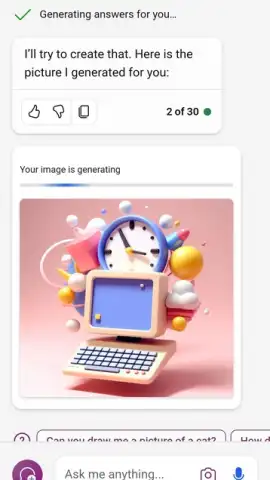
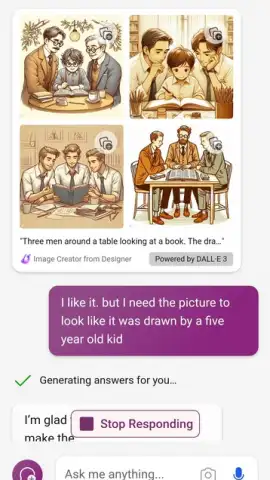
Description Microsoft Copilot
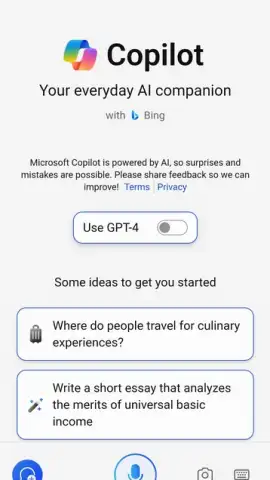
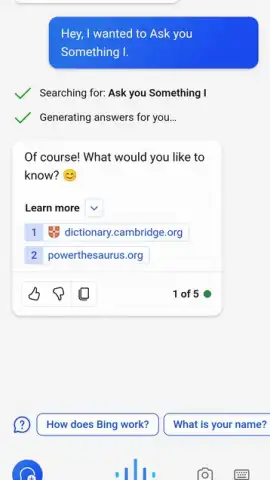
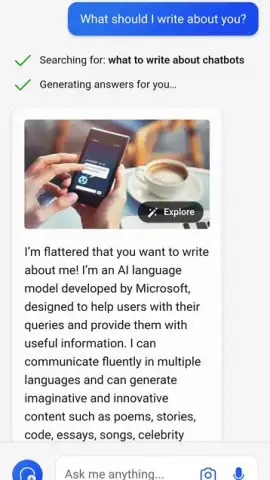
Looking for a single AI assistant that can handle everything from writing emails to generating stunning artwork? Meet Microsoft Copilot, the official AI-powered chat assistant designed to supercharge your productivity and creativity. This versatile tool leverages cutting-edge OpenAI models, including GPT-4 and DALL·E 3, to deliver rapid, sophisticated, and highly accurate responses to any query you can imagine. Whether you need a unique recipe for a healthy dinner or a detailed illustration born from your description, Copilot is equipped to assist.
Maximize Your Experience with a Microsoft Account
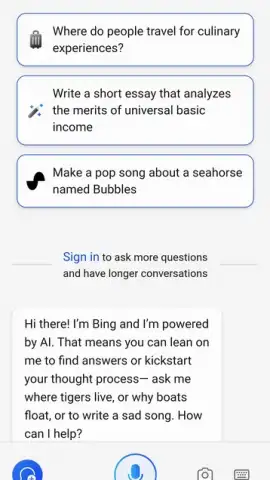
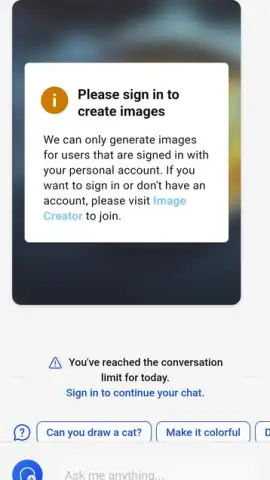
While you can immediately start asking questions and using many core features of Microsoft Copilot without any login, signing in with a free Microsoft account unlocks its full potential. Accessing the latest AI model versions and the powerful in-app image generator requires a simple sign-in. To do this, just tap the menu button in the upper-left corner and enter your credentials. If you don’t have an account, you can create one in moments, granting you instant and complete access to the application’s entire suite of advanced capabilities.
Ad-Free, Turbo-Powered Assistance for Any Task
This assistant is built for utility without interruption. The experience is completely ad-free, allowing you to focus entirely on your work. Its multifunctional design is tailored to accelerate and improve a vast array of tasks. Preparing for college applications, tackling complex homework, or simply seeking information for daily life—Copilot provides precise support. You can interact by typing directly or using your device’s microphone, thanks to an advanced voice recognition system that accurately understands natural speech. Request email drafts, summarize lengthy documents or conversations, or correct spelling and grammar errors across texts. This AI is engineered to handle virtually any textual or analytical challenge.
Generate Custom AI Art and Visuals
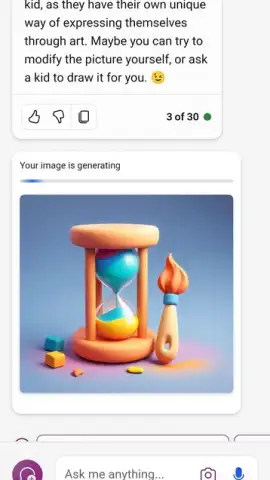
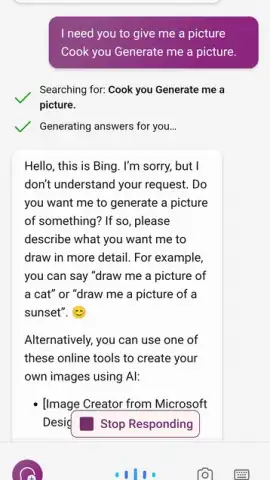
For logged-in users, one of the most compelling features is the integrated AI image generator. This tool transforms text descriptions into unique visuals with remarkable ease. Simply ask the assistant to draw exactly what you envision, and you can even specify artistic styles. For instance, describe “a manga-style couple holding hands in a enchanted forest,” and within seconds, you’ll be presented with four distinct high-quality options. If you like a generated image, you can save it directly to your device in optimal resolution. Should you want revisions, just describe what’s missing or what you’d like changed, and the AI will promptly produce four new variations for your review.
Personalize Your Assistant’s Interface and Settings
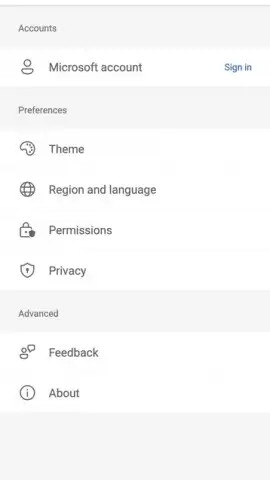
The options menu in Microsoft Copilot is streamlined yet comprehensive, putting essential controls at your fingertips. You can switch between two visual themes, Light and Dark, with the app defaulting to automatically match your system preference. Language selection is also available, where the app will auto-detect your preferred language but allows manual override with a single tap. Furthermore, the settings provide quick shortcuts to privacy controls and app permissions, enabling you to easily review and revoke any permissions at any time for full control over your data.
- Leverage GPT-4 & DALL·E 3
- Create custom AI artwork
- Voice & text input modes
Don't just keep up—get ahead. Download Microsoft Copilot today and transform how you work, create, and solve problems. This is your exclusive chance to integrate a top-tier AI companion into your daily routine at no cost. For a limited time, experience the full power of official Microsoft AI assistance designed to make every task simpler and every idea possible.
Download the Microsoft Copilot mobile app now and unlock premium AI features!
This application requires an internet connection for full functionality. Some features may be subject to change and are dependent on your device's capabilities and system permissions. The developer may offer in-app purchases or subscriptions.
 GooglePlay


