

Super App Lock
Super App Lock screenshots (8)

Description Super App Lock
A Practical Look at Digital Privacy Tools
In an era where our smartphones are extensions of our personal and professional lives, the need for discrete, application-level security has moved from a niche concern to a common consideration. Super App Lock by SuperJoyApp addresses this directly, functioning as a utility that places a configurable access gate on individual elements of an Android device. Its core operation is not about encrypting the entire device but about selectively controlling entry to apps, their data, and specific files, creating a personalized security layer that operates independently of a phone's built-in protections.
Functionality and Feature Analysis
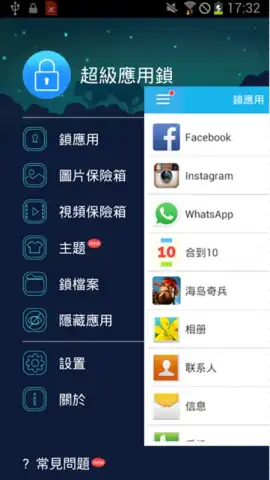
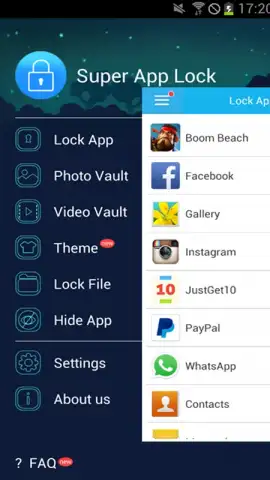
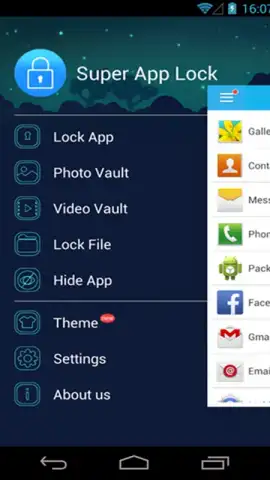
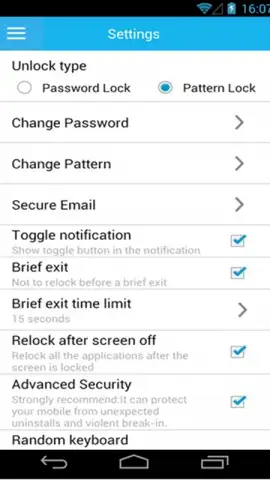
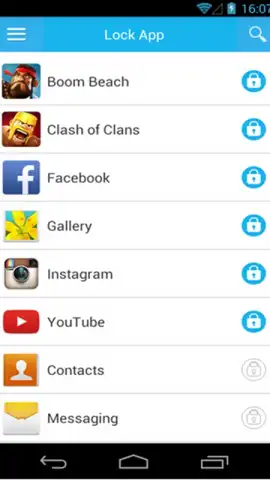
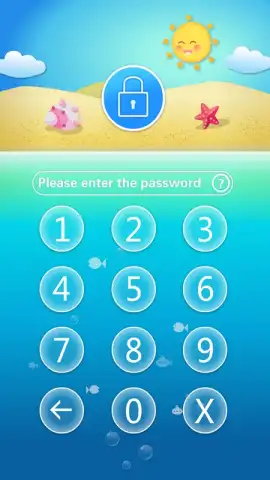
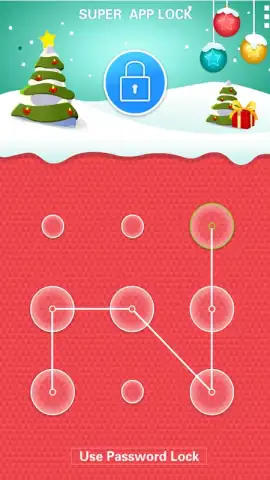
The application operates on a principle of pattern-based authentication. After installation, users designate which applications or file types require protection and then establish an unlock pattern. This pattern must be replicated each time access to the locked item is attempted. The mechanics are straightforward, avoiding complex setup procedures. Beyond basic app locking, the utility includes a function to hide the icons of protected applications entirely. This renders them invisible in the standard app drawer, with access granted only through a dedicated numeric keypad interface launched by the app, effectively concealing their presence on the device.
A secondary, notable component is the dedicated photo vault. This creates an isolated, encrypted storage space within the device's memory specifically for image files. Transferring photos into this vault removes them from the standard gallery view, and retrieval is again gated by the master unlock pattern or code. This compartmentalization is useful for separating sensitive images from general storage without requiring a separate physical device or cloud service.
- Selective Application Locking: Impose a custom unlock pattern or PIN on any installed application to control access.
- Stealth Icon Hiding: Conceal protected app icons from the device's app drawer and home screens for discreet usage.
- Encrypted Photo Vault: Create a password-protected private gallery isolated from the main system media storage.
The tool positions itself as a supplementary security layer. It does not replace device-level passwords or biometric security but adds a subsequent checkpoint for specific content. The interface is utilitarian, focusing on the selection of items to protect and the management of access patterns rather than extensive visual customization.
Start securing your private apps and media today. Download Super App Lock now and establish your personalized access controls.
Heads up: you'll need wifi for initial download and updates. Some advanced features within the app are part of a premium upgrade.


