

Mini Desktop
Mini Desktop screenshots (5)
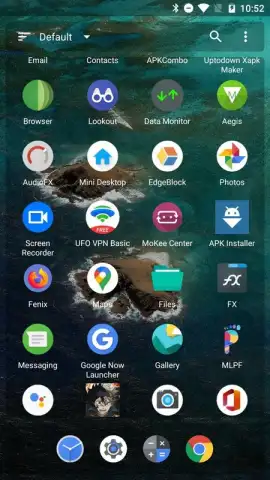
Description Mini Desktop
What if your phone's home screen could be as powerful and organized as a desktop computer?
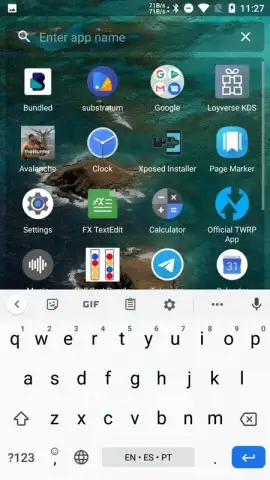
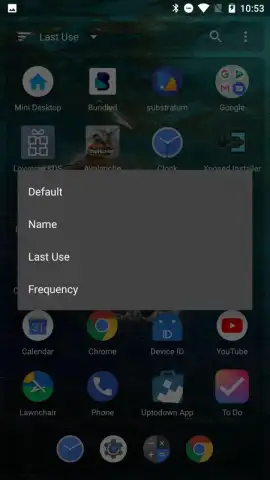
Mini Desktop by AtomicAdd Team transforms your Android device's interface into a compact, highly functional workstation. This utility app re-engineers the standard home screen experience, providing a layer of desktop-style management with resizable widgets, application shortcuts grouped into task-oriented folders, and a system tray for quick settings access. It operates as a secondary launcher environment focused on productivity, allowing for a grid-based icon layout and windowed previews for certain supported applications, moving beyond the linear app drawer model.
Core Functionality and System Integration
The app installs as a selectable launcher option, creating a distinct workspace separate from your default phone interface. Its primary mechanic revolves around widget scaling and desktop-style spatial organization, where users can place icons, folders, and widgets freely on a canvas. A persistent dock or taskbar provides immediate access to frequently used tools and system functions like Wi-Fi, Bluetooth, and brightness control. The system is designed for quick toggling between this productivity-focused desktop mode and a standard mobile view, depending on the task at hand.
Key Advantages in User Experience and Performance
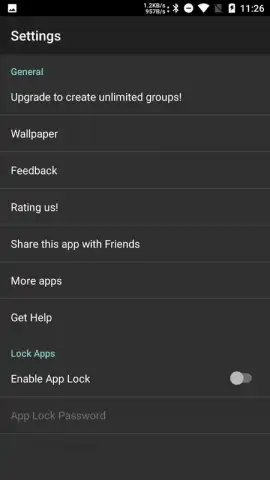
The utility stands out for its lightweight footprint and high degree of customization without requiring root access. The interface supports various grid sizes for icon placement, offers basic theming options for visual personalization, and ensures that all core phone functionalities remain accessible. Performance is optimized for devices running Android 4.1 and above, focusing on stability and low battery impact even with multiple active widgets. The design philosophy prioritizes information density and one-tap access over aesthetic flourishes, making it a practical tool for users seeking efficiency.
- Desktop-Style Widget Management: Place and resize multiple interactive widgets freely on your home screen canvas.
- Persistent System Tray & Quick Settings: Access essential device controls from a dedicated, always-visible panel.
- Advanced Icon & Folder Organization: Arrange apps using customizable grid layouts and create smart task-based folders.
- Lightweight Secondary Launcher Environment: Runs smoothly as an optional interface without slowing down your device.
- No Root Access Required: Implements deep customization and utility features without needing special permissions.
We suggest trying Mini Desktop if your current phone interface feels limiting for multitasking and quick information access. Consider downloading it to experiment with a more productive and organized digital workspace.
The application requires a standard internet connection for initial download and potential feature updates. It may offer optional in-app purchases for advanced thematic or functional modules.
 GooglePlay


