

OpenVPN Client Free
OpenVPN Client Free screenshots (24)


Description OpenVPN Client Free
Ever feel like your online life is a little too exposed? Like every public Wi-Fi network is a potential risk, and you wish securing your connection wasn't so complicated or expensive? What if you could wrap your entire phone's internet traffic in a shield of encryption with just a few taps, no technical wizardry required?
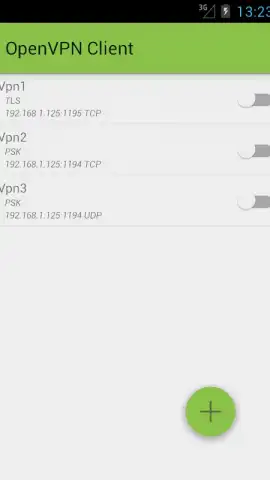
Welcome to OpenVPN Client Free, your straightforward gateway to a more private and secure mobile experience. This isn't about pretending to be in another country; it's about fundamentally securing your data lane on any network. Imagine connecting to that sketchy cafe hotspot, but instead of broadcasting your details, you're silently tunneling through an encrypted connection that you control. The app leverages Android's own built-in VpnService, meaning it works seamlessly without needing any special root access on your device. It's powerful security that plays by the rules, ready for any Android phone from version 4.0 onward.
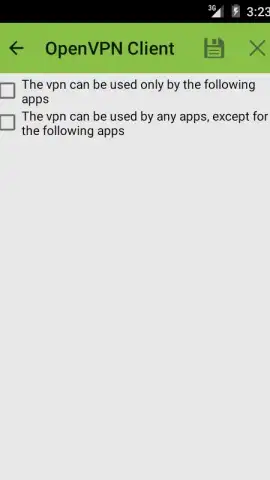
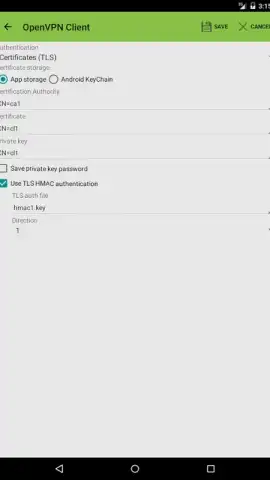
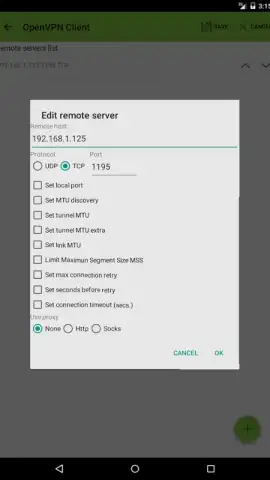
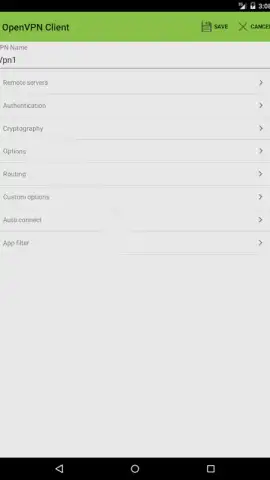
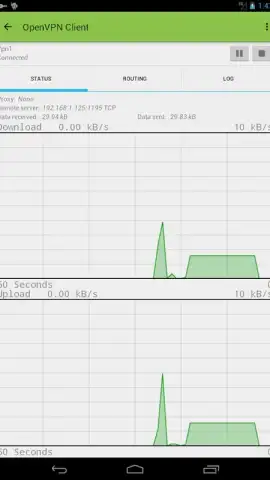
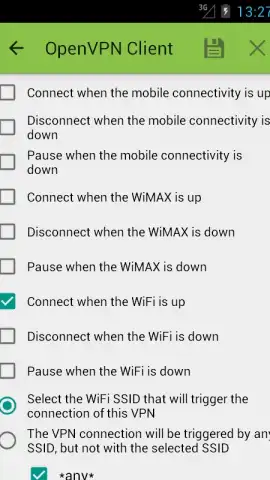
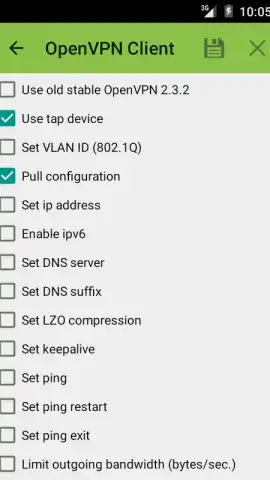
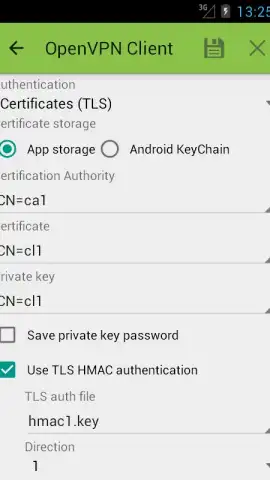
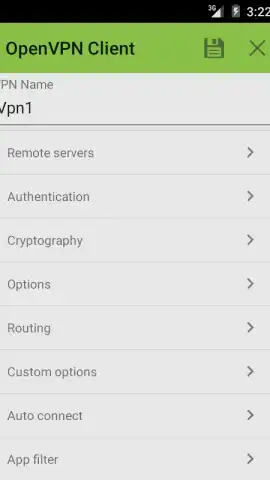
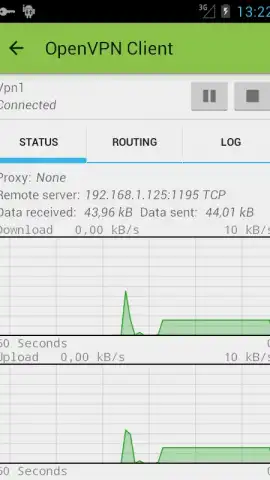
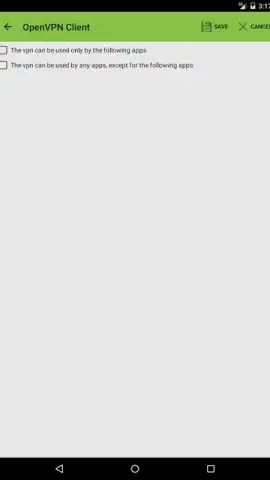
The magic happens in the setup, which is far more flexible than you might expect. You're not locked into one type of security certificate. Whether your provider uses .pem, .der, or .pkcs12 formats, this client handles them with ease, establishing a connection fortified by robust encryption standards. Once connected, the clean interface gives you clear status updates, putting you in command. But control goes deeper. On Android 5.0+, you can filter which apps are allowed to use the VPN tunnel. Want only your browser and banking app to be secured while letting a game connect directly? You can do that with precise app-by-app management.
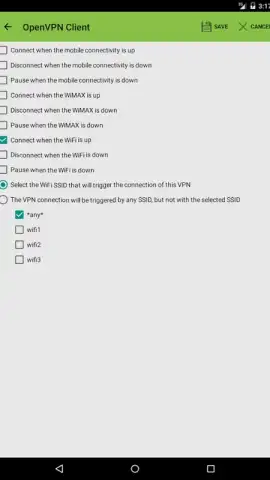
For an added layer of personal security, devices running Android 6.0 or newer can unlock the VPN connection using fingerprint authentication. It’s a brilliant touch—your secure tunnel is guarded by you, and only you. Combine that with the set-and-forget convenience of auto-connect on device boot, and you have a solution that protects you from the moment you turn on your phone. It’s even ready for the future of the internet with full IPv6 support and can route through HTTP or SOCKS proxy servers for complex network setups.
When things need checking, a comprehensive logging system is built right in for diagnostics, helping to pinpoint any configuration issues swiftly. And if you ever hit a snag, like compatibility with newer protocol versions, the development includes backward-compatibility settings and responsive email support to get you back on track.
This is a tool built with care and community. Voluntary donations support its ongoing development, and by joining the user community, you can access beta versions and stay ahead of the curve on new features.
Why Your Phone Needs This VPN Client
- Zero-Root Encryption: Leverages Android's official VpnService API for deep system-level protection without needing root privileges, compatible from Android 4.0 (ICS) and up.
- Universal Certificate Support: Effortlessly imports and manages VPN configurations using .pem, .der, and .pkcs12 certificate formats from any provider.
- Granular App Filtering: On Android 5.0+, decide exactly which apps use the VPN tunnel and which bypass it, for perfect balance of speed and security.
- Biometric Lock: Add fingerprint authentication (Android 6.0+) as a secure key to activate your VPN connection, making privacy personal.
- Always-On Security: Enable auto-connect on device startup so your protection is active from the very first moment you go online.
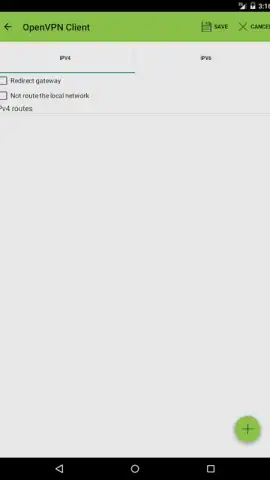
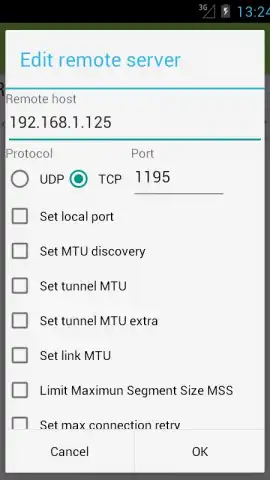
- Advanced Network Ready: Fully supports IPv6 connections and can be configured to work behind HTTP or SOCKS proxy servers.
- Deep Diagnostics & Support: Integrated detailed logging helps troubleshoot any connection issues, backed by proactive developer support for compatibility and setup questions.
- Clean & Committed Development: An ad-free experience in the core free version, supported by user donations and a vibrant community for beta access and updates.
Stop leaving your digital door unlocked every time you go online. This is the robust, user-controlled security layer your Android device has been missing. Take direct ownership of your privacy today—no subscriptions, no nonsense, just powerful protection.
Download OpenVPN Client Free now and turn every connection into a secure private lane!
Heads up: You'll need a working VPN configuration profile (from a separate service provider) to use this client. Some advanced features like Tasker/Locale integration and home screen widgets are part of the premium upgrade. A stable internet connection is required for VPN operation.


