
Prisma3D
Prisma3D screenshots (5)

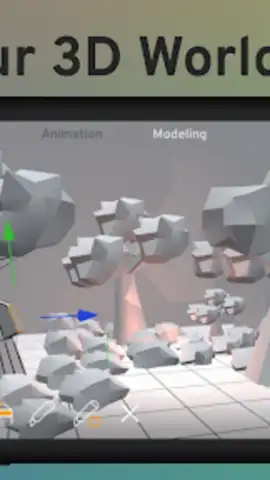
Description Prisma3D
A Practical Review of Prisma3D for Android
The transition from concept to a fully realized 3D scene has traditionally required a desktop workstation. Prisma3D challenges this notion by providing a comprehensive 3D modeling, animation, and rendering suite that operates entirely on an Android device. This review examines the mechanics of the app, version 3.2.4, to assess its utility for digital creators who require mobility without sacrificing core functionality. The platform positions itself not as a simplified toy, but as a legitimate tool for a range of production tasks.
Core Functionality and Workflow Analysis
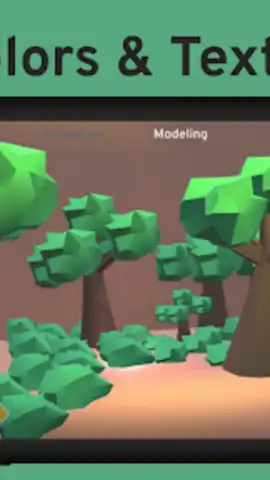
Prisma3D functions as a unified workspace, integrating several distinct phases of the 3D creation pipeline. The modeling environment provides direct mesh manipulation tools for creating and editing vector-based geometry, allowing for the construction of characters, objects, or entire environments. This is complemented by a digital sculpting workspace, which uses different brushes to add fine details and organic shapes. For surface work, the app includes a dedicated system for generating and applying detailed textures and color materials with precise control, which is critical for achieving a professional finish on assets intended for games, media, or 3D printing.
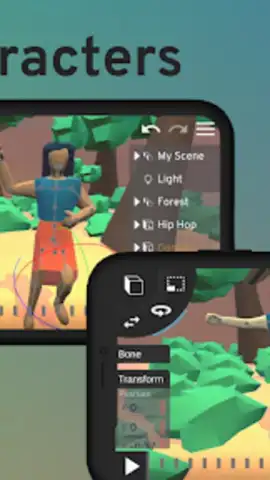
The animation subsystem is built around a timeline editor with keyframe interpolation. Users can rig models with skeletons, apply skinning for realistic deformation, and animate them frame-by-frame. This capability extends to motion graphics and the application of basic visual effects, enabling the creation of animated sequences for social media, product showcases, or introductory title sequences. A significant technical feature is the app's broad file format support—including import and export for .obj, .fbx, .gltf, .stl, and .ply files—ensuring seamless asset transfer with major desktop applications like Blender, Maya, and Cinema4D for further refinement or integration into larger projects.
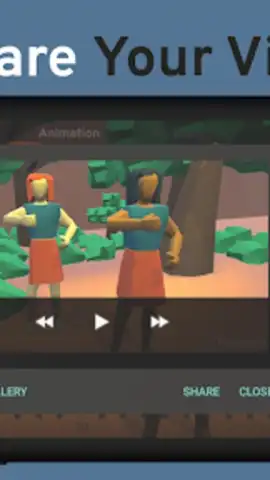
The rendering engine is optimized for mobile hardware, offering a balance between speed and output quality suitable for quick previews and final exports. This allows creators to render their animated scenes directly on the device and share the video results to platforms like YouTube or Instagram without needing to transfer files to a computer. The interface is designed to be navigable for beginners learning core 3D principles, while still providing the depth of tools that experienced artists need for actual project work, from logo design to complex character animation.
Key Feature Set
- Construct and edit detailed 3D mesh models and vector graphics with precision tools.
- Animate using a professional timeline with keyframing, rigging, and skinning controls.
- Generate and apply custom textures, materials, and colors to any surface.
- Import and export standard 3D files (.obj, .fbx, .gltf, .stl, .ply) for desktop workflow integration.
- Utilize digital sculpting brushes for organic modeling and fine detail work.
Download the Prisma3D mobile app now to access professional 3D tools. This is a limited-time opportunity for new users to start creating with a platform typically reserved for desktop studios—begin your project today before standard pricing models apply.
Disclaimer: This application requires a persistent internet connection for certain functions, including potential license verification and access to cloud-based assets. The app may contain in-app purchases for premium features, subscriptions, or content expansions. Users should review the in-app purchase options and requirements within the Google Play Store listing. Data usage depends on project complexity and cloud services utilized. This software involves complex tools and is intended for users aged 13 and above, or as stipulated by the developer's terms. Always back up your project data independently.
 GooglePlay


