

Recenser
Recenser screenshots (6)

Description Recenser
Looking for a video editor that balances professional-grade tools with genuine ease of use, all without bloated file sizes or intrusive watermarks? Recenser, developed by CrossPlat, presents a compelling case as a comprehensive mobile editing suite packaged into a remarkably lean 20MB application. It operates as a full-featured video player and editor designed to transition seamlessly from quick social media clips to more polished projects, challenging the notion that powerful editing must be complex or resource-heavy.
In-Depth Analysis of Editing Capabilities
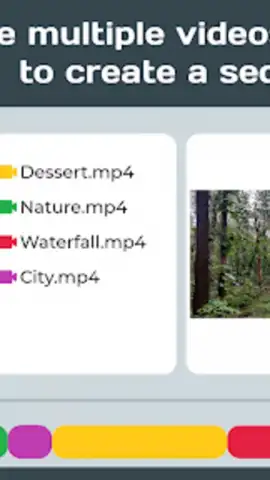
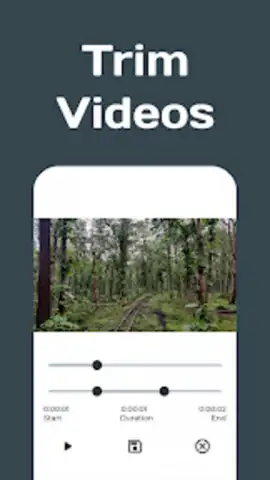
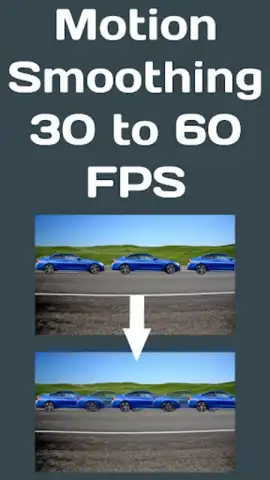
The core of Recenser lies in its multi-layered editing toolkit, which processes footage with a focus on foundational quality enhancement before creative alteration. The initial phase involves technical correction tools: motion smoothing for erratic handheld shots, stabilization to eliminate minor shakes, and frame rate interpolation to create smoother slow-motion effects. Once the base footage is optimized, the structural editing begins. The application allows for precise trimming, cropping, and rotation, alongside the ability to merge multiple video segments into a single timeline. This is complemented by speed control, enabling both time-lapse and slow-motion effects with adjustable curves for more dynamic results.
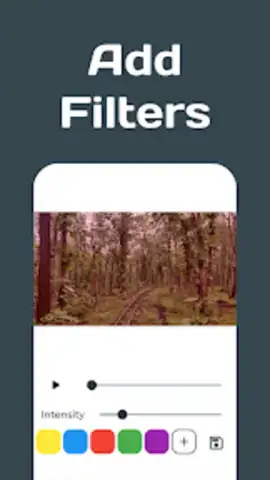
Beyond basic cutting, Recenser provides a separate layer for audio and graphical composition. Users can work with two independent audio tracks, allowing for background music and original sound to coexist, or opt for a complete audio replacement. The overlay system supports custom text with various fonts and styling, alongside image and graphic imports for logos or stickers. The creative manipulation extends to direct interaction with the video canvas, including freehand drawing and the application of granular color filters—accessing a palette of over 16.7 million color adjustments for precise tonal grading.
Advanced Features and Output Optimization
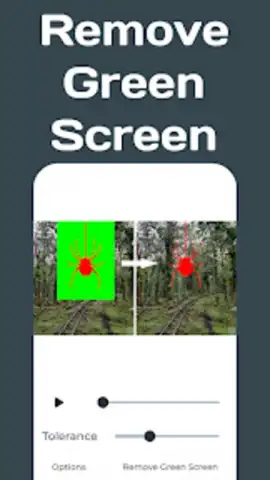
For specialized edits, Recenser incorporates several standalone features that function as discrete modules within the app. The chroma key tool facilitates basic green screen work, letting users replace solid-colored backgrounds. A dedicated reversal tool creates instant rewind effects, while a converter module can transform video segments into looping GIFs, optimizing them for messaging platforms. Perhaps one of its most practically valuable tools is the intelligent video compressor. This engine analyzes the video data to significantly reduce file size—often by more than half—while strategically preserving visual fidelity, which is essential for sharing via email or messaging apps where size limits are strict.
The entire experience is built on an optimized engine that promises faster render times, even for high-resolution or lengthy projects. The interface adopts a clean, logical layout, grouping advanced tools behind intuitive icons to prevent overwhelm. This design philosophy ensures the workflow remains accessible, guiding users from import to export without unnecessary friction.
- Professional Motion Correction: Implements smoothing, stabilization, and frame rate enhancement for cinematic fluidity.
- Multi-Track Audio & Visual Layers: Supports dual audio tracks and separate overlays for text, images, and hand-drawn elements.
- Creative FX Suite: Features speed control, video reversal, GIF conversion, and a chroma key green screen tool.
- Precision Color Grading: Applies customizable filters with access to over 16.7 million color adjustment possibilities.
- Intelligent Compression: Dramatically reduces video file size for sharing while maintaining core visual quality.
Download Recenser for Android today. This version 2.0.3 offers exclusive, early access to its full premium toolkit—a limited-time opportunity for new users to leverage professional editing without the professional complexity.
Heads up: you'll need wifi for most features. Some cool stuff is extra.


