

Samsung Device Maintenance
Samsung Device Maintenance screenshots (4)
Description Samsung Device Maintenance
Is Your Samsung Phone Feeling Sluggish?
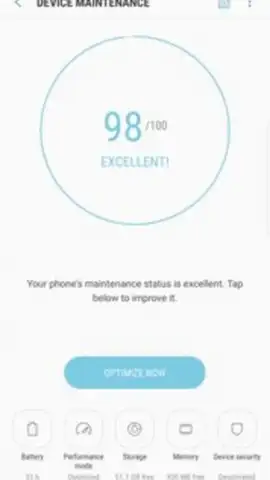
Over time, even high-performance smartphones can accumulate digital clutter, leading to slower response times, faster battery drain, and reduced storage. For Samsung Galaxy users, managing these system-level inefficiencies often requires a dedicated tool. Samsung Device Maintenance serves as the integrated utility designed to address these core performance issues directly from your home screen, providing a centralized dashboard for device health.
Core Functionality and Analytical Overview
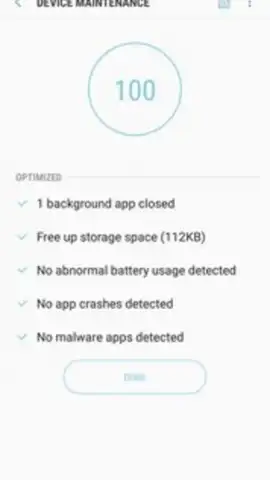
The application operates on a principle of automated diagnostics and one-touch optimization. Its primary function is a comprehensive system scan that evaluates memory usage, storage integrity, and background processes. Initiating an optimization cycle forcibly closes non-essential background applications, reclaiming RAM and potentially improving current app responsiveness. Beyond this, it conducts a deeper diagnostic check for miscellaneous system errors that may not be immediately visible to the user.
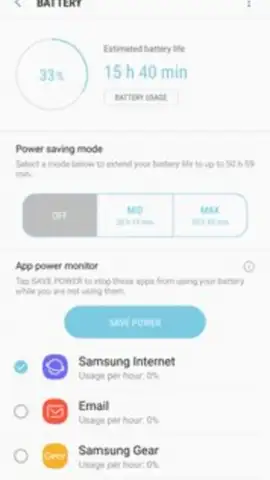
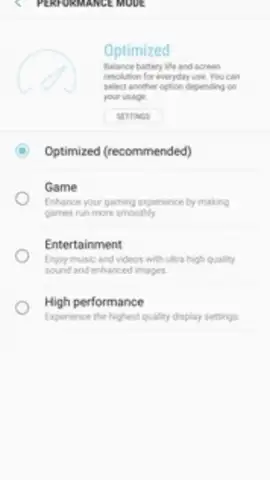
A significant module within the app is dedicated to advanced battery analytics. It moves beyond a simple percentage readout to provide a detailed breakdown of power consumption per application. This granular data allows for informed decisions on app management. The tool also includes a toggle for a power-saving mode, which systematically limits background data and performance to extend battery life during critical periods. It's important to understand that this application is engineered specifically for the Samsung ecosystem and is a standard component on newer Galaxy devices, though its behavior can vary across different models and Android versions.
Key Features at a Glance
- One-Tap Performance Optimization instantly clears background apps and scans for system issues.
- Detailed Battery Consumption Analytics show per-app power usage statistics for informed management.
- Integrated Power Saving Mode toggles performance limits to actively extend battery lifespan.
We suggest trying Samsung Device Maintenance if you seek a straightforward, system-level tool to periodically clean and diagnose your Galaxy device. Consider downloading it to handle basic maintenance tasks from a single, familiar interface.
Heads up: you'll need wifi for most features. Some cool stuff is extra. Performance and availability may vary depending on your specific Samsung Galaxy model and software version.
 GooglePlay


