

Screen Stream over HTTP
Screen Stream over HTTP screenshots (4)
Description Screen Stream over HTTP
Ever Wished Your Phone Screen Could Appear Instantly on Any Computer?
Imagine you're about to give a presentation, and the big screen is ready. Instead of fumbling with cables or complicated software, you simply open a browser on the laptop, type in a short address, and boom—your phone's screen is live for everyone to see. No lag, no fuss. That's the magic of Screen Stream over HTTP. It transforms your Android device into a wireless broadcasting powerhouse, letting you share games, apps, demos, or tutorials directly through any web browser. All it takes is a single tap to start, and you're streaming.
This app removes every technical barrier between your ideas and your audience. Whether you're a developer showcasing a new app feature, a teacher guiding students through a mobile tool, or a gamer wanting to share your epic gameplay on a larger monitor, this is your seamless solution. The connection is incredibly stable because it works over your local Wi-Fi network, ensuring a smooth, real-time view of everything you do. Stop imagining and start sharing your screen in a way that feels effortless and professional.
Streamline Your Sharing with Powerful, Simple Features
Screen Stream over HTTP is built on a principle of elegant simplicity that delivers professional results. The interface is so intuitive you'll master it in seconds, yet the underlying technology is robust enough for important meetings and live demonstrations.
- Universal Browser Compatibility: Stream to literally any web browser—Chrome, Safari, Firefox, Edge—on a Windows PC, Mac, Linux machine, or even another phone. There are no special plugins or receiver apps to install on the viewing device.
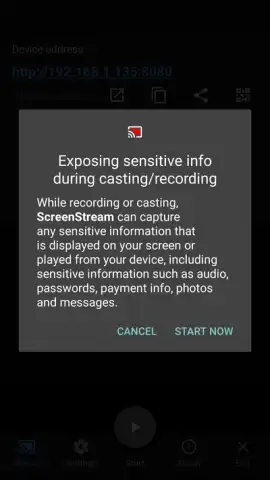
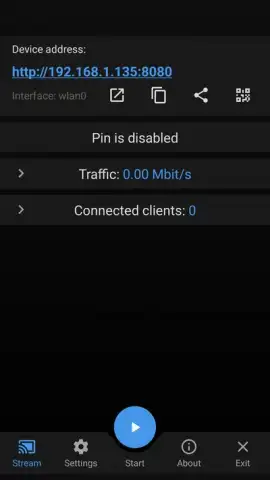
- One-Tap Start & Stop: The entire process is controlled by two clear buttons. Hit 'Start', grant one-time permissions, and your personal streaming URL is generated. To end the stream, just press 'Stop'. It's that straightforward.
- Perfect for Live Demos & Collaboration: Incredibly valuable for business presentations, remote teamwork, or tech support. Show mobile workflows, app prototypes, or website behavior on mobile in real time, making explanations crystal clear.
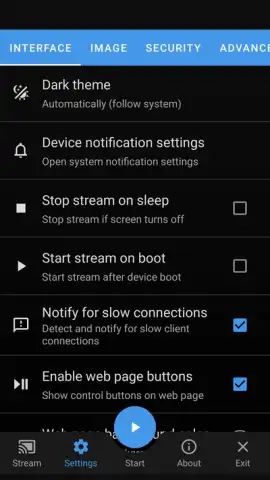
- Turbo Mode Advantages: Enhance your experience with optional Turbo features for an even smoother, higher-quality stream, giving you greater control over your broadcast.
- Zero Intrusive Ads: Enjoy a clean, uninterrupted streaming experience. The focus is entirely on delivering your screen content without distractions.
Your Wireless Presentation Assistant Awaits
Stop dealing with clumsy adapters and unreliable screen-mirroring apps. Screen Stream over HTTP provides a reliable, browser-based window right into your mobile device.
Download Screen Stream over HTTP now and turn any browser into your second screen. Start your first stream in under a minute!
Internet required. IAP available.
 GooglePlay


