

Secure Notes
Secure Notes screenshots (17)



Description Secure Notes
Imagine a single, secure vault on your phone where every private thought, sensitive list, and confidential detail is locked away from prying eyes. No more anxiety about someone glimpsing your screen. Secure Notes transforms your Android device into a private digital fortress, built specifically for the moments when absolute privacy is non-negotiable. This isn't just another notepad; it's your personal command center for everything you need to keep secret, accessible only by you.
Your Private Digital Safe, Redefined
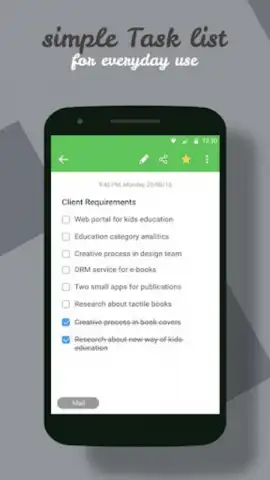
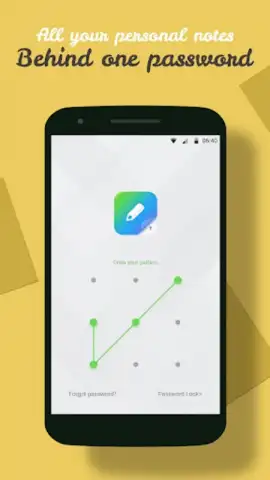
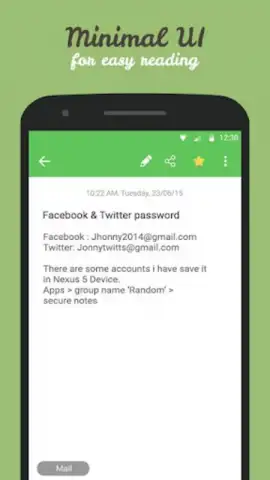
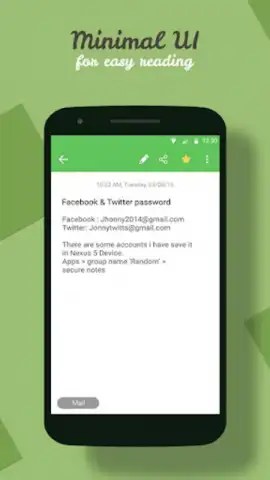
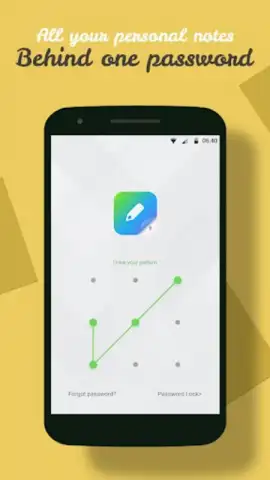
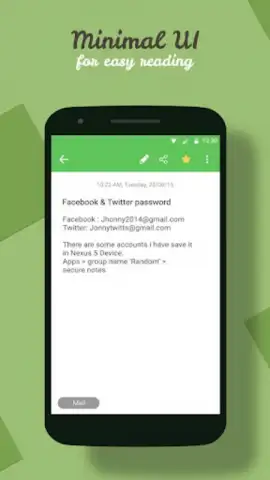
The core experience revolves around military-grade AES encryption, which scrambles your data into an unreadable format the moment you save it. Access is strictly controlled by your choice of a secure password or a visual pattern lock, adding a robust first layer of defense. You will notice the seamless operation as your encrypted notes and dynamic to-do lists are stored directly on your device's SD card, a strategic design that conserves valuable internal storage space while keeping your data physically close. The minimalist interface ensures you spend zero time figuring out how to use it and all your time actually writing, organizing, and securing everything from private journal entries and account passwords to sensitive project ideas and shopping lists.
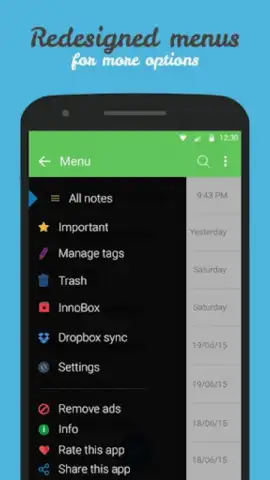
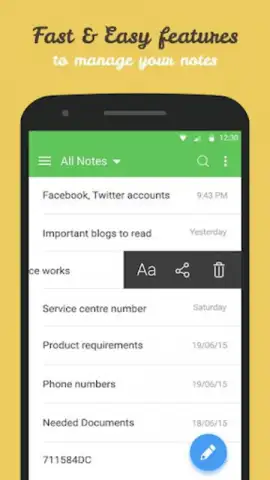
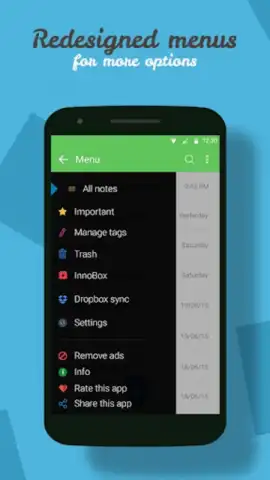
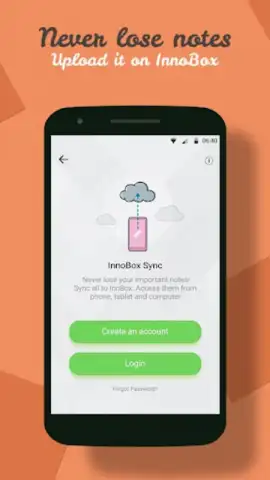
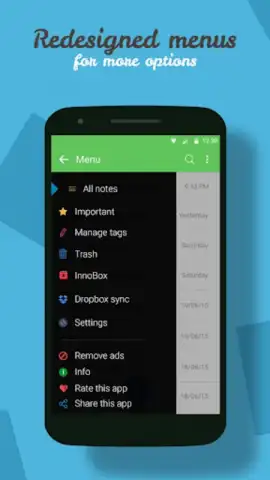
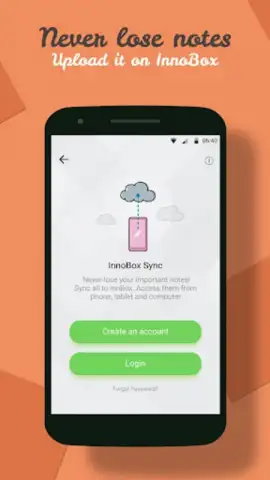
For comprehensive data management, the app provides powerful tools to sort your entries alphabetically or by modification date, bringing order to your secure information. Should you ever forget your primary access key, a secure email recovery system is in place to restore your access without compromising security. The true peace of mind, however, comes with the integrated InnoBox cloud sync. This feature automatically creates encrypted backups of your notes and synchronizes them across all your Android devices, ensuring your private data is preserved, protected, and portable, never at risk of being lost even if your phone is.
Key Features at a Glance
- Military-Grade Encryption utilizes AES standards to permanently scramble your notes and lists for ultimate security.
- Flexible Access Control allows you to choose between a strong password or a convenient pattern lock to guard your vault.
- Efficient Storage Management saves all encrypted data directly to your SD card, preserving internal phone memory.
Do not leave your private information exposed for another second. This is the definitive solution for encrypted note-taking on Android. Download Secure Notes now and lock down your digital life immediately!
Heads up: you'll need wifi for most features. Some cool stuff is extra.


