

SHAREit - Connect & Transfer
SHAREit - Connect & Transfer screenshots (20)









Description SHAREit - Connect & Transfer
The Problem with File Transfers: Speed, Data Costs, and Incompatibility
Managing digital files across multiple Android devices often involves a compromise. Traditional methods like Bluetooth are notoriously slow for large media files, while cloud services require a stable internet connection and consume mobile data. This creates friction when you need to quickly share a collection of high-resolution photos, a lengthy video, or even an installed application with a nearby device. The process becomes fragmented, relying on cables, different apps, or patience. A solution requires a unified tool that operates independently of the internet, prioritizes transfer velocity, and handles a wide array of file types without pre-uploading to external servers.
Core Functionality and Technical Analysis
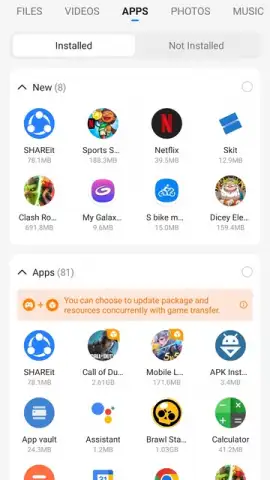
SHAREit - Connect & Transfer addresses this by establishing a direct Wi-Fi hotspot between devices, creating a local area network. This peer-to-peer connection is the foundation for its primary claim: data transfer speeds purported to be up to 200 times faster than standard Bluetooth. This is not a continuous internet-based upload and download; files move directly from one device's storage to another's. The application supports a comprehensive range of file formats, including documents (PDF, PPT, DOC), images (JPG, PNG), audio files, and videos. A distinct feature is its ability to transfer APK files, allowing users to share installed applications without needing the recipient to download them separately from an app store, conserving data allowances.
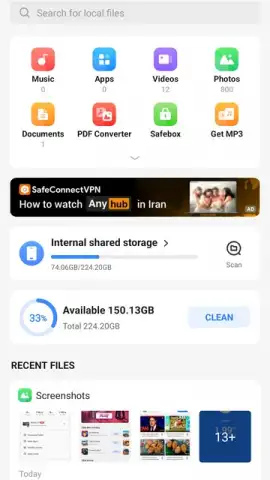
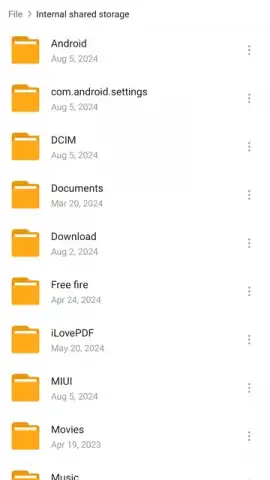
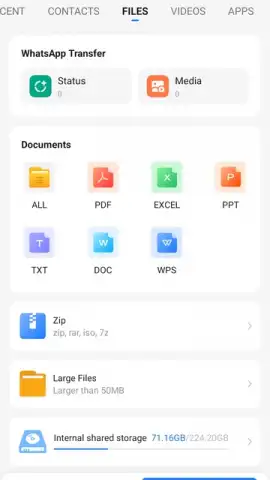
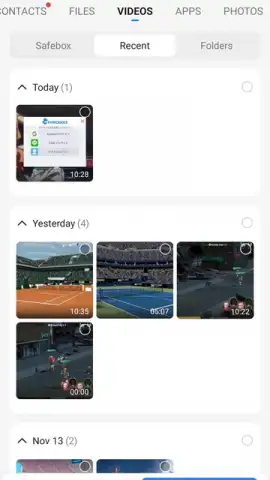
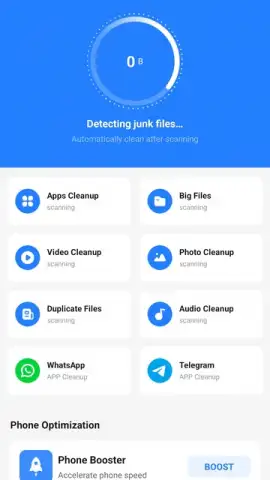
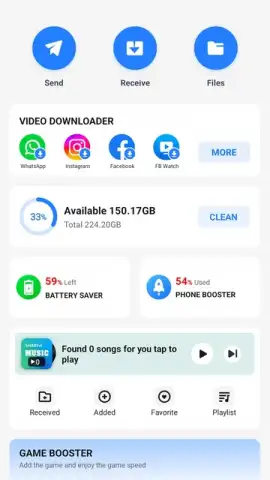
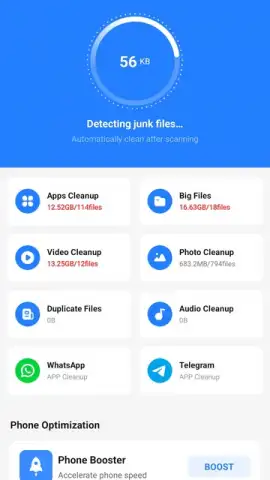
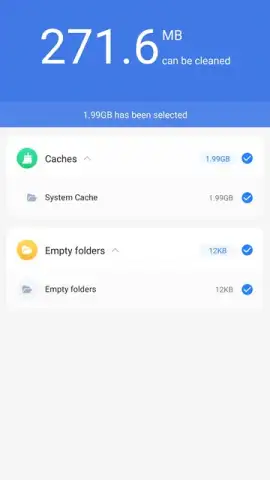
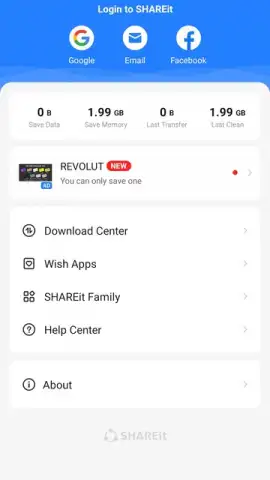
Beyond its core transfer engine, the app integrates several secondary utilities. A built-in media player enables immediate playback of received video and audio files within the app's interface, allowing for content verification before saving it to the device's gallery. A file management tool provides basic organization for sent and received items. Furthermore, the app includes a storage cleaner module. This tool scans the device for residual files, cache data, and duplicate items generated during normal operation, presenting users with an option to delete them and reclaim storage space. The interface is designed around a central "+" button for initiating sends and a clear receive button, with a history log of all transfer activities.
Detailed Feature Breakdown
- High-Speed Peer-to-Peer Transfers: Creates a direct Wi-Fi connection between devices for transferring files at speeds significantly faster than Bluetooth, without using mobile data or internet.
- Offline File Sharing Capability: Operates completely offline once installed, enabling photo, video, document, and app sharing in environments without cellular or Wi-Fi networks.
- Integrated APK and App Sharing: Allows direct transfer of installed application packages (APKs), facilitating app sharing between devices without visiting an app store.
- On-Device Media Player and File Manager: Includes a player for instant preview of received videos and music, alongside tools to organize and manage transferred content.
- Storage Cleaner and Optimization Tool: Scans for and helps remove junk files, duplicate items, and unnecessary cache to free up valuable internal storage space on your device.
This combination of a high-speed transfer protocol with supplementary device management tools positions SHAREit as a multi-purpose utility. The direct transfer method also implies a specific security model; since files do not transit through a central server, the risk of interception by third-party online services is mitigated, though security is dependent on the integrity of the direct connection. For users frequently moving large media libraries or applications between personal devices or within a close group, the time and data savings can be substantial.
Download SHAREit - Connect & Transfer now for exclusive, unrestricted access to its full suite of tools. This limited-time offer provides complete ad-free functionality with Turbo mode enabled for maximum performance. Install today to start transferring at top speed.
Internet required for initial download only. IAP available.
 GooglePlay


