

Tap Emoji Keyboard
Tap Emoji Keyboard screenshots (12)

Description Tap Emoji Keyboard
Imagine your keyboard feeling like a chore, the same layout day after day. You want to express more, type faster, and have your device reflect your style, but the standard options fall short. This is where a tool steps in, transforming a basic utility into a personalized command center for all your communication.
Core Functionality and Customization
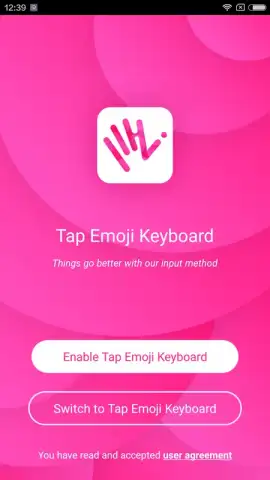
Tap Emoji Keyboard is an Android keyboard application developed by Tap! Apps, designed for deep system-level personalization. It operates as a replacement for your device's default input method, enabling comprehensive visual and functional adjustments. The core mechanics involve installing and enabling the keyboard through your device's system settings, after which all text input across messaging apps, social platforms, and browsers utilizes its configured interface.
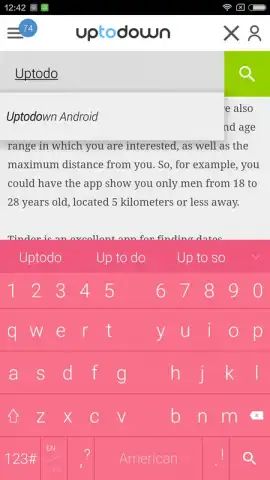
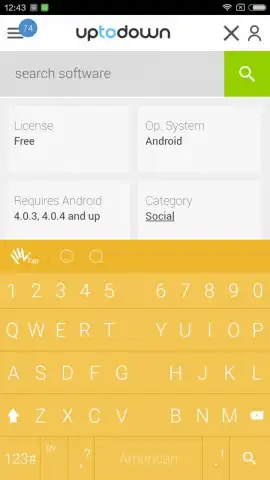
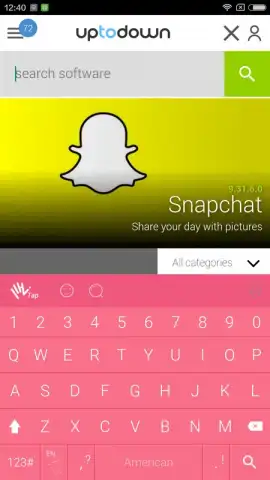
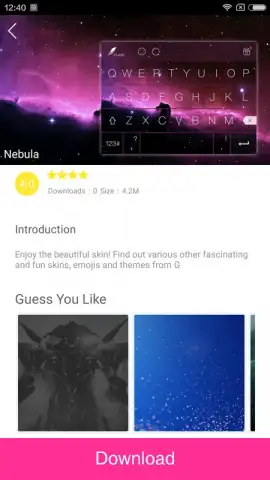
The application provides granular control over the keyboard's physical layout and aesthetics. Users can modify individual key dimensions and their overall spacing to suit different hand sizes or typing preferences. Beyond layout, the theming engine supports the application of complete color schemes, patterned backgrounds, or custom images directly onto the keyboard canvas. This level of visual customization extends to adjusting feedback sounds and vibration intensity for each keypress.
Integrated Content and Predictive Systems
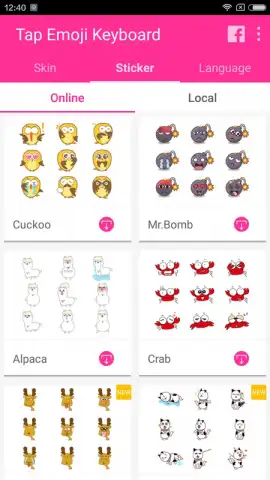
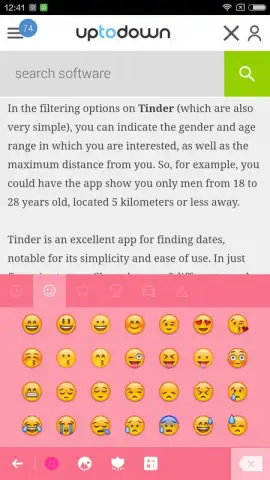
Beyond its visual overhaul, the keyboard integrates an expanded content library directly into the typing flow. This library houses a categorized collection of over 400 distinct emoji characters and a separate suite of illustrated sticker packs. These visual elements are accessible from a dedicated toolbar, allowing for insertion into any text field without switching between applications.
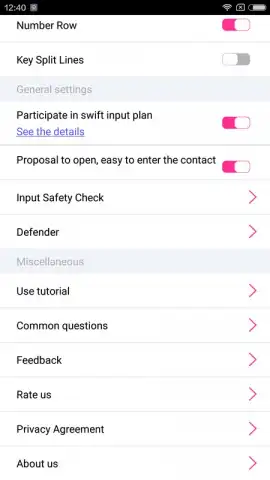
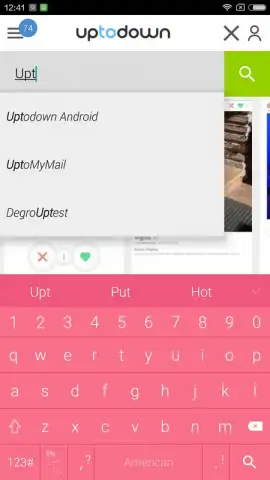
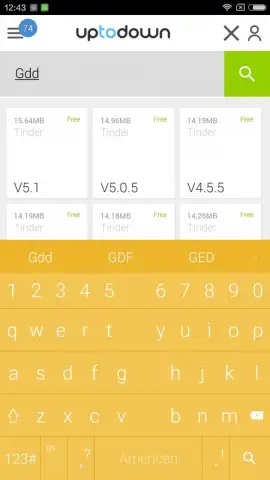
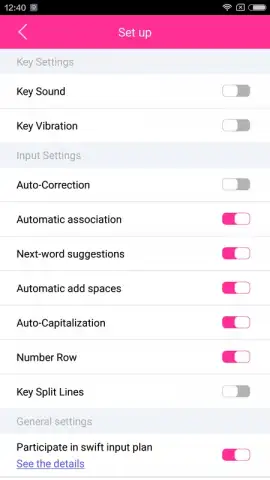
To augment typing speed and accuracy, the keyboard employs a concurrent dual-engine system. The auto-correction engine analyzes keystroke patterns in real-time to fix common spelling errors and capitalization mistakes. Simultaneously, the word prediction engine processes the context of your sentence to offer a dynamic bar of next-word suggestions, which can be tapped to complete words or phrases. For first-time users, the application includes an integrated setup guide and a detailed function manual accessible from its settings panel.
Key Feature Overview
- Adjustable key sizes and layout spacing
- Over 400 emoji and dedicated sticker packs
- Real-time auto-correction and word prediction
Download the Tap Emoji Keyboard now and stop settling for the default! Transform your typing experience today—get it immediately!
Heads up: you'll need wifi for initial setup and theme downloads. Some premium sticker packs and advanced themes are extra.


