

TickTick
TickTick screenshots (10)
Description TickTick
Struggling to keep track of your daily meetings, deadlines, and to-dos? What if a single, elegantly designed app could bring order to the chaos, turning your overwhelming list into a manageable, actionable plan? TickTick is the sophisticated yet intuitive task manager that does exactly that, offering a powerful suite of organizational tools wrapped in a clean, customizable interface. It’s engineered to seamlessly integrate into your workflow, helping you capture, schedule, and complete tasks with remarkable efficiency and zero distractions.
Core Functionality & Customization
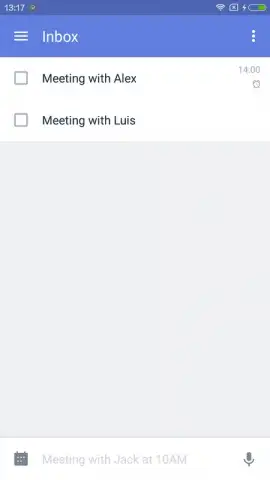
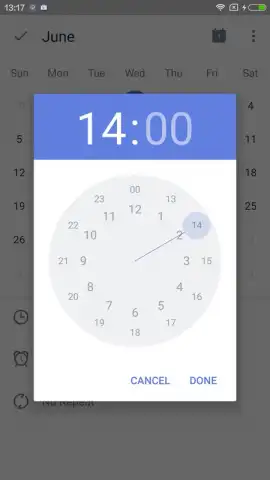
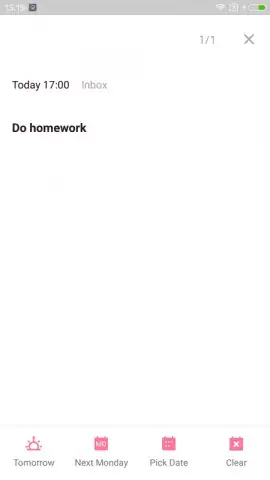
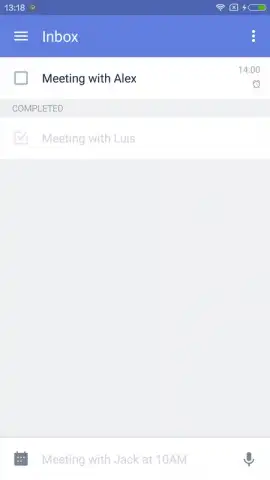
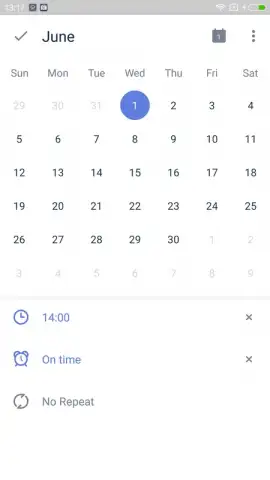
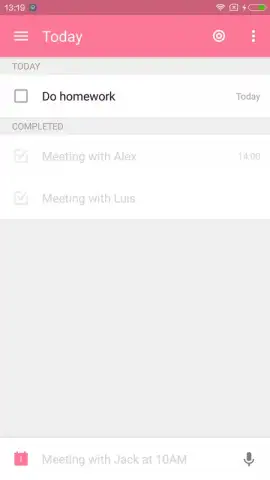
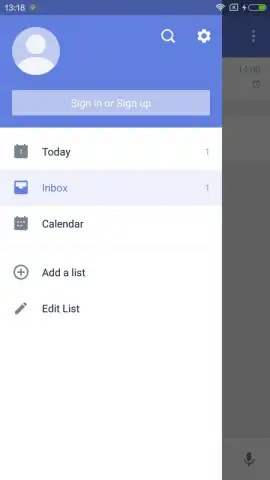
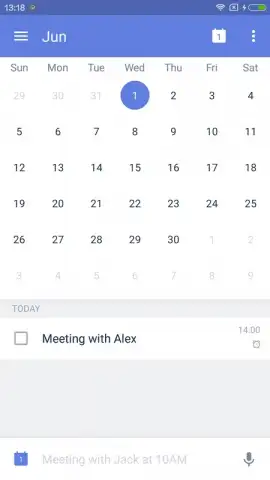
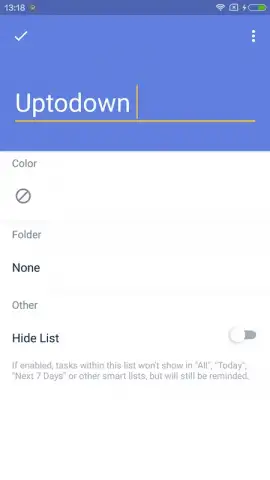
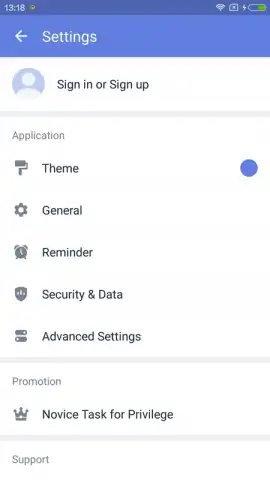
TickTick operates as your central command hub for all pending tasks and appointments. The core process is streamlined: you instantly add a new task with a title, assign it to a specific date and time, and program custom reminders to ensure nothing slips through the cracks. Upon completion, a simple tap to check off the task removes it from your active list, providing a clear visual progression. Beyond basic task management, the app offers deep personalization within its settings. While the default interface uses a clean blue theme, you can select from several alternative color schemes to match your preference. Advanced settings even include the option to lock the app with a secure passcode, adding a layer of privacy for your sensitive plans and notes.
A Premium, Ad-Free Experience
A significant advantage of TickTick is its commitment to an uninterrupted user experience. The standard version is designed to be functional, but activating Turbo mode unlocks the app's full potential by removing all advertisements. This upgrade transforms the environment into a completely focused workspace, granting you mass benefits including enhanced features and a smoother, more professional workflow. This ad-free mode allows you to concentrate solely on productivity without any disruptive prompts or banners.
TickTick excels by combining simple operation with robust capability. Its strengths lie in an elegant, user-friendly interface that requires minimal learning curve, coupled with a substantial array of customization options that let you tailor the app to your specific organizational style.
- Quick task creation & scheduling
- Customizable date-based reminders
- Passcode lock for app security
- Multiple interface color themes
Stop letting tasks manage you and start commanding your day with precision. Download TickTick now and claim your advantage in productivity—transform your to-do list into a done list today!
A stable internet connection is required for initial download, sync across devices, and some premium features. The app may offer in-app purchases for additional functionality, such as TickTick Premium.
 GooglePlay


