

TouchPal Keyboard
TouchPal Keyboard screenshots (4)
Description TouchPal Keyboard
Looking for a Faster, Smarter Way to Type on Your Android Device?
The TouchPal Keyboard for Android positions itself as a productivity-focused input method, moving beyond basic typing with a suite of features designed for accelerated and intelligent text entry. Its core proposition centers on a combination of gesture-based shortcuts and adaptive learning algorithms. Unlike standard keyboards, it analyzes individual writing patterns to predict entire words and phrases, aiming to reduce the total number of keystrokes required. This review examines its functional mechanics, customization capacity, and overall approach to streamlining mobile communication.
Core Functionality and Adaptive Features
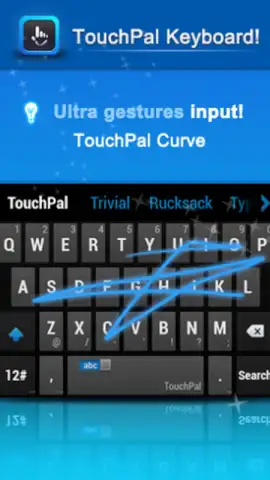
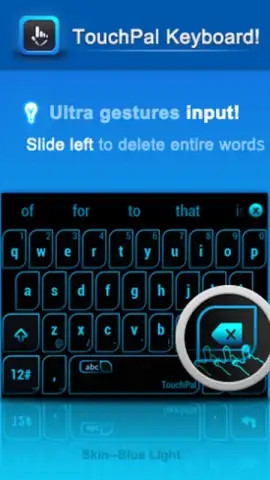
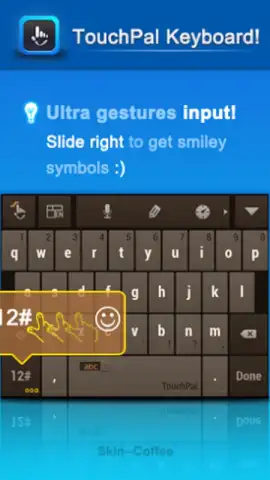
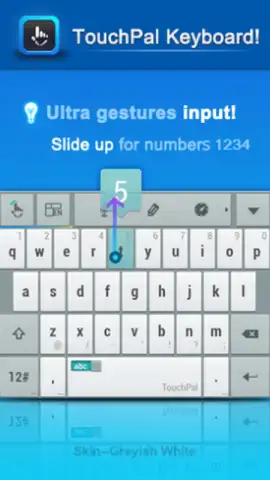
The application employs a predictive engine that goes beyond simple next-word suggestion. It continuously learns from a user's personal lexicon and common phrase sequences, theoretically improving its accuracy and relevance the longer it is used as the primary keyboard. A central feature is its implementation of key combinations and swipe gestures. These allow for actions like inputting numbers or symbols without switching keyboard layouts and deleting entire words with a single gesture across the delete key, which are operations that typically interrupt typing flow on standard keyboards. The integrated auto-correction system is designed to handle minor typographical errors in real-time, aiming to create a more seamless writing experience by minimizing manual backtracking for corrections.
From an interface perspective, TouchPal Keyboard offers extensive personalization. Users can select from a library of visual themes, altering the keyboard's color scheme, key shapes, and background textures. This level of aesthetic control allows the interface to be tailored to personal preference, which can be a significant factor in prolonged daily use. The operational experience is supported by the Turbo mode, which the developer states removes advertising from the keyboard interface, presenting a cleaner, potentially less distracting typing environment.
- Gesture-Enhanced Typing Speed: Utilizes key combos and swipe gestures for faster symbol input and word deletion without changing layouts.
- Context-Aware Predictive Text: Learns your personal vocabulary and common phrases to improve word and sentence completion accuracy over time.
- Extensive Visual Customization: Offers a wide array of themes to change the keyboard's appearance, including colors, key styles, and backgrounds.
Start optimizing your mobile typing efficiency and claim your visual customization advantage now.
Heads up: you'll need a stable internet connection for initial theme downloads and enhanced prediction learning. Some premium themes and advanced features may require additional access.


