

Ultimate Backup
Ultimate Backup screenshots (8)
Description Ultimate Backup
Ever Feel That Dread of Losing Everything on Your Phone?
You know the feeling. That sudden freeze, the accidental drop, the moment you realize a precious photo, an important message, or all your app data could be gone in an instant. Your phone holds your digital life, and protecting it shouldn't feel like a complex chore reserved for tech experts. What if you had a single, powerful guardian for everything on your Android device? That’s the peace of mind Ultimate Backup delivers. It transforms anxiety into absolute control, wrapping your data in multiple layers of security while giving you tools to make your device run smoother and faster. Think of it not just as a backup app, but as your personal command center for complete Android management.
Your All-in-One Digital Safety Net and Performance Booster
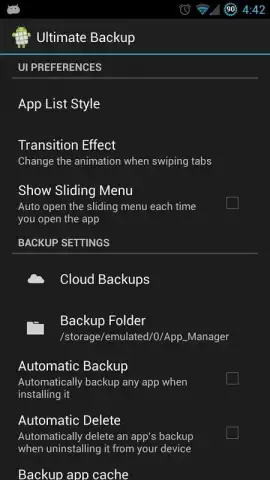
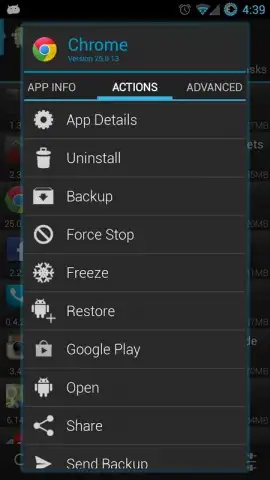
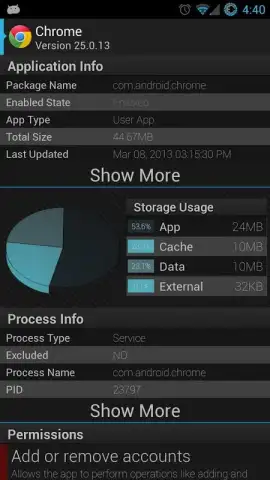
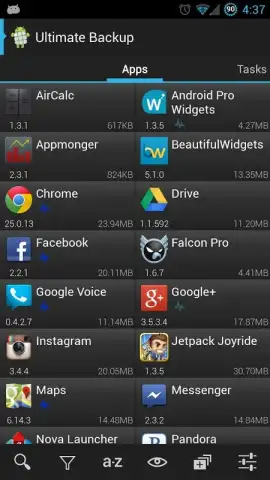
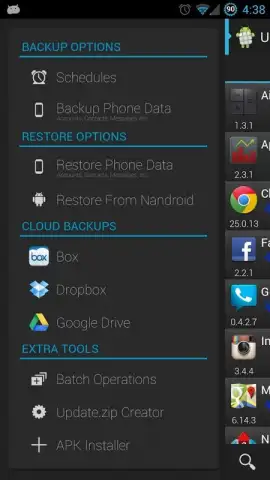
Ultimate Backup understands that your data is diverse, so its protection needs to be too. You’ll start by effortlessly securing the essentials—your call logs, text messages, browser bookmarks, and Wi-Fi passwords are just a tap away from being saved. But it goes much deeper, allowing you to create full backups of both your installed apps and their precious data, so you never lose your game progress or app settings again. The magic happens in how you save it all: directly to your device for quick access, or seamlessly to your favorite cloud services like Google Drive, Dropbox, or Box for off-device security. It’s like having an automatic, intelligent clone of your phone stored safely in multiple places.
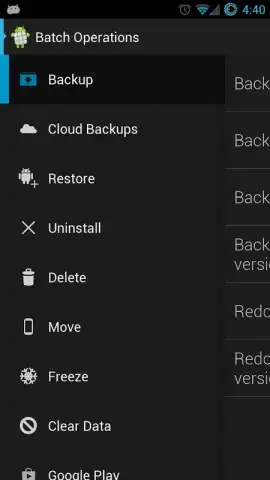
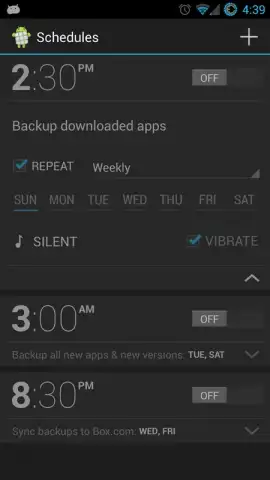
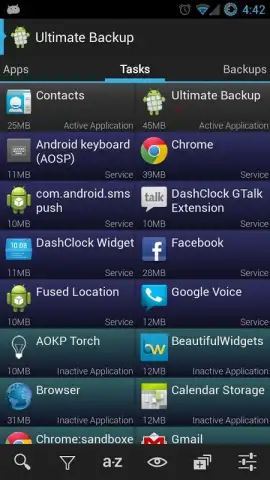
But the protection is only half the story. Ultimate Backup empowers you to actively manage your device’s health. The built-in task manager lets you see what’s running in the background, stop resource-hungry apps, and reclaim precious RAM for a noticeably snappier performance. For the power users, there’s a whole playground of advanced tools: convert user apps to system apps, manage APK files directly, and even link apps to updates for granular control. And with the premium Turbo upgrade, you unlock a truly hands-free experience with scheduled backups, automatic cloud restorations, and the ability to process everything in bulk, all within a clean, ad-free interface optimized for efficiency.
Here’s what you gain by making Ultimate Backup your device’s command center:
- Complete Data Backup & Restore
- Cloud & Local Storage Flexibility
- Advanced App & Task Management
- Ad-Free Premium Turbo Features
Download Ultimate Backup Now – Exclusive Early Access!
Why wait for a crisis to realize you need the ultimate protection? For a limited time, new users can experience the robust free features and unlock premium Turbo capabilities at an exclusive introductory rate. This is your chance to secure your digital life and optimize your device’s performance with a tool trusted by both everyday users and Android enthusiasts. Don’t let your data hang in the balance—take control today.
Download the Ultimate Backup mobile app now and transform your Android security!
Heads up: you'll need wifi for most cloud backup features. Some cool advanced functions, like certain system-level operations, may require root access for full functionality. The premium Turbo upgrade unlocks the complete ad-free experience with automated tools.


