

Advanced Download Manager
Advanced Download Manager screenshots (16)
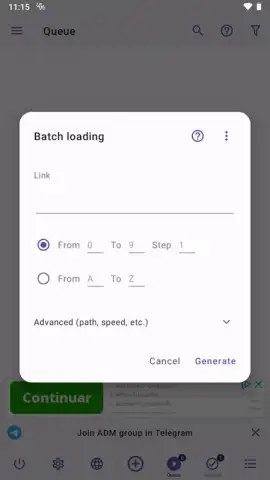
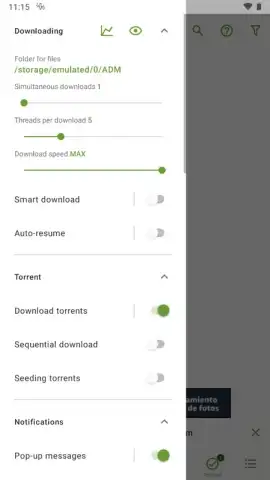

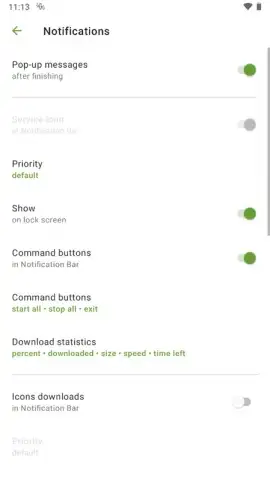
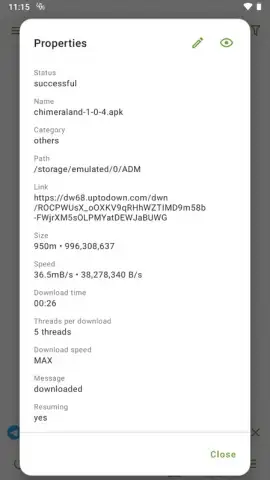
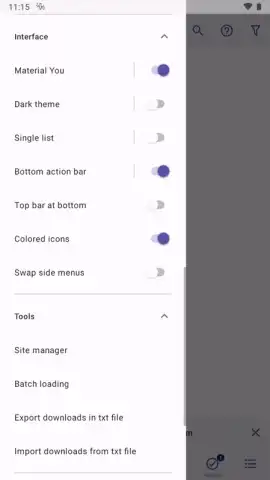
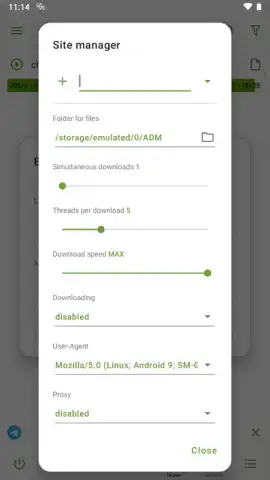
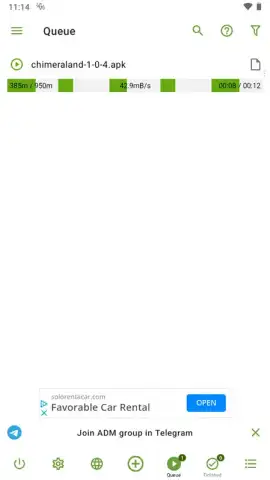
Description Advanced Download Manager
The Problem with Mobile Downloads
Managing file downloads on an Android device often feels restrictive compared to the control available on a desktop computer. Users typically face limited organizational tools, interruptions from unstable connections, and a lack of scheduling options, forcing manual management for every file transfer.
Core Functionality Analysis
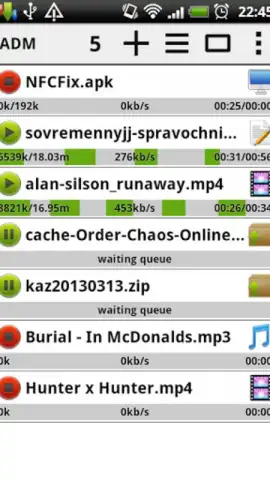
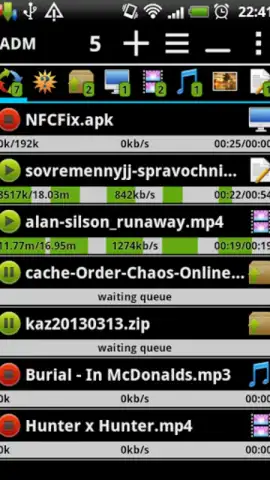
Advanced Download Manager by AdvancedApp addresses these limitations by replicating desktop-level download management within the Android environment. The application functions as a centralized hub, capable of processing files of any format. Its operational mechanics are built around automation and resilience, shifting the burden of organization from the user to the system logic.
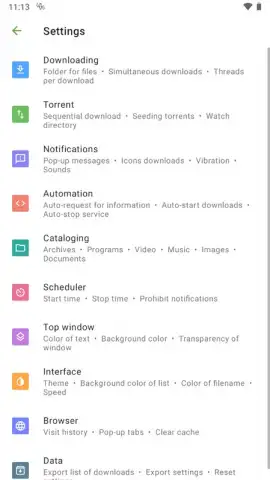
A primary operational feature is its automated file sorting protocol. The application can be configured to direct incoming files to specific directories based on their MIME type or extension. For instance, video files are routed to a pre-designated video folder, while documents and images are segregated into their own respective storage areas. This occurs without user intervention post-initial setup.
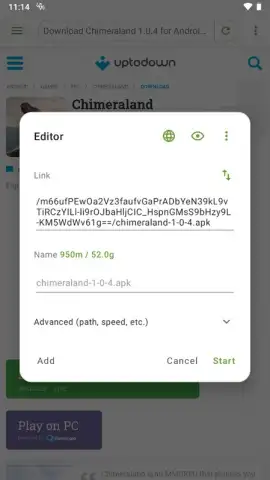
The download engine includes a recovery system for interrupted transfers. If a download process is halted due to network loss or system resource constraints, the application retains the partial file and can resume the transfer from the point of failure once conditions are restored, preventing data waste and repetition.
Further expanding on automation, the tool includes a scheduling module. Users can program downloads to initiate during predefined time windows. This allows for leveraging off-peak bandwidth hours or scheduling large downloads when the device is connected to a power source and unused, optimizing both data plans and device resources.
Key Feature Specifications
- Automated File Organization: Sorts downloads into type-specific folders like Video, Documents, and Images upon completion.
- Resumable Download Engine: Recovers interrupted transfers after connection loss without restarting from the beginning.
- Programmable Scheduler: Sets specific times for automatic download initiation to manage bandwidth and device usage.
The application operates without advertising and incorporates a performance-oriented mode, often labeled as a turbo function, which allocates maximum available bandwidth and system priority to active download tasks.
Get immediate control over your Android file management. Download Advanced Download Manager now and transform your device into a powerful download station today!
Note: This application requires an internet connection for download functionality. The app may offer optional in-app purchases for advanced features.
 GooglePlay


