

Lightning Launcher Trial
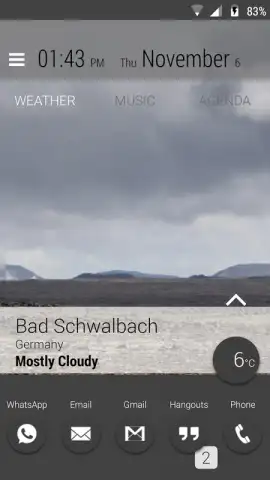
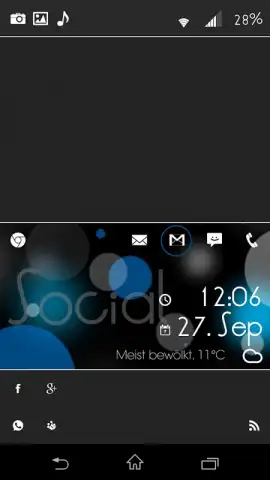
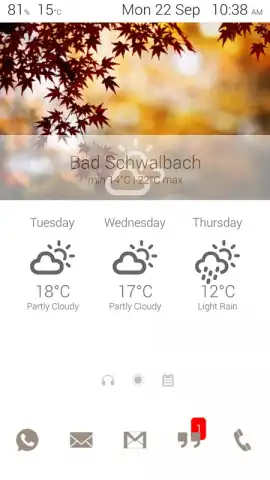
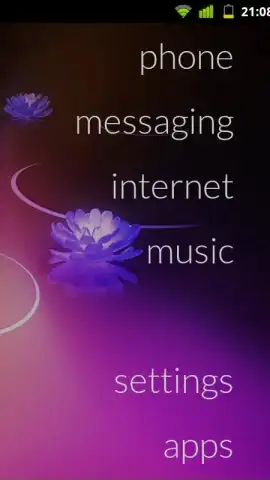
Lightning Launcher Trial screenshots (10)

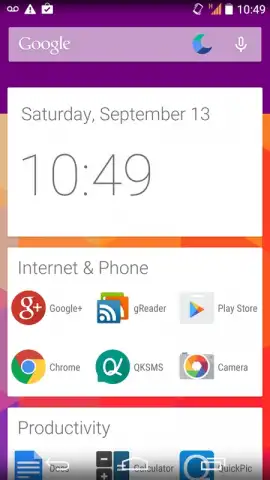
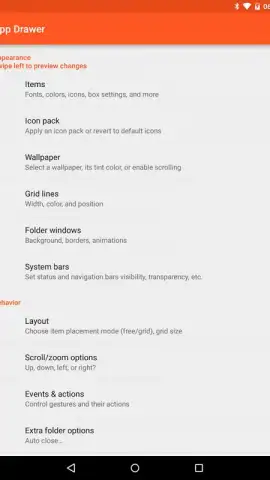
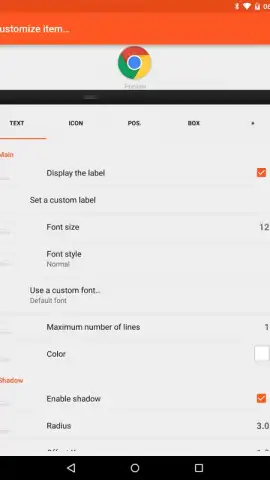
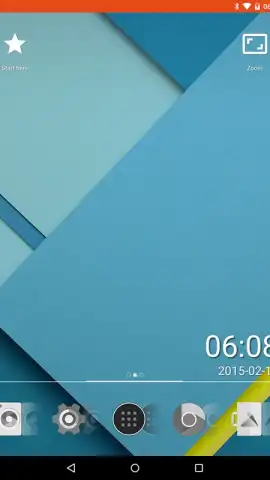
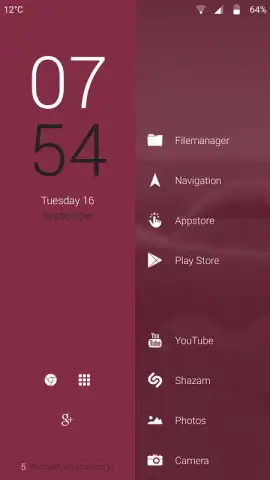
Description Lightning Launcher Trial
What defines the ultimate Android home screen launcher? For users seeking absolute control over their device's interface, the Lightning Launcher Trial presents a modular, deeply configurable environment that treats the home screen as a blank canvas for precise personalization.
Core Functionality and System Performance
This launcher application operates as a complete replacement for the standard Android home screen interface. Its primary function is to remove all predefined layout constraints, granting the user administrative control over visual and interactive elements. The system is engineered for low resource consumption, maintaining operational fluidity on devices running Android 2.2 and later versions. The trial version provides full, unrestricted access to every customization feature for a period of seven days, after which the editing suite becomes locked, preserving the existing setup in a view-only state.
Detailed Analysis of Customization Capabilities
The defining characteristic of Lightning Launcher is its granular, object-oriented approach to UI design. Unlike launchers that offer preset themes, this tool provides foundational tools to build an interface from the ground up. The desktop canvas is dynamically infinite, automatically generating new pages as icons or widgets are moved beyond the current border, effectively eliminating spatial limitations for organization. Object manipulation is precise, supporting free placement, independent scaling, and rotation of any item, including standard widgets, outside of a rigid grid.
Configuration extends beyond the desktop to include independent, fully customizable app drawers and lock screen modifications. Each created desktop panel functions as a separate entity with its own settings for wallpaper, grid behavior, and icon sets, allowing for distinct workspaces for productivity, personal use, or child profiles. Advanced integration with automation tools like Tasker and programmable widget actions enable conditional behaviors and macros, moving beyond static layout into dynamic interface management.
- Infinite Canvas Desktop: Automatically expands workspace in any direction, creating new pages on-demand for limitless icon and widget organization.
- Pixel-Perfect Object Control: Freely position, scale, and rotate any icon, folder, or widget with precision, completely independent of a fixed grid.
- Independent Workspace Profiles: Create and manage multiple desktops with unique settings, ideal for separating work, personal, and restricted user spaces.
- Advanced System Integration: Features include widget scripting, deep Tasker automation support, and a highly customizable app drawer and lock screen.
- Lightweight Foundation: Maintains smooth performance on a wide range of hardware, from legacy devices to modern smartphones, with efficient resource use.
The initial learning curve is notable due to the sheer depth of options available; however, the investment in exploring its systems facilitates the creation of a uniquely efficient and personalized home screen environment not typically achievable with mainstream launchers.
Final Assessment and Installation
The Lightning Launcher Trial is a specialized tool for the user who prioritizes customization capability over immediate simplicity. It provides a professional-grade suite for interface construction. For those who require absolute control over their device's layout and behavior, this seven-day trial offers complete access to evaluate its potential.
Download the Lightning Launcher Trial today to unlock professional-grade Android customization. This is a limited-time, full-feature trial—begin building your ultimate home screen interface immediately. Exclusive access to all advanced features is active upon installation for your evaluation.
Disclaimer: This application requires an internet connection for initial verification and potential community support access. The trial includes in-app purchase options to unlock editing features permanently after the 7-day period. It is intended for users familiar with Android system customization. Data usage depends on widget content and backup services. Use of advanced features may affect device battery life. Please ensure your device meets the minimum Android version requirement.


