

QR Code Scanner
QR Code Scanner screenshots (7)
Description QR Code Scanner
Your Pocket-Sized Digital Key: Unlock Anything Instantly
QR codes are everywhere, but finding a scanner that just works shouldn't be a hunt. This app transforms your smartphone's camera into a seamless portal, instantly bridging the gap between the physical and digital worlds. You point, it reads—no fuss, no confusion. It’s the utility you didn't know you needed, ready to handle everything from restaurant menus to complex Wi-Fi setups in a single, fluid motion.
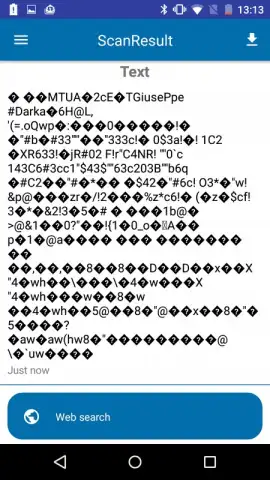
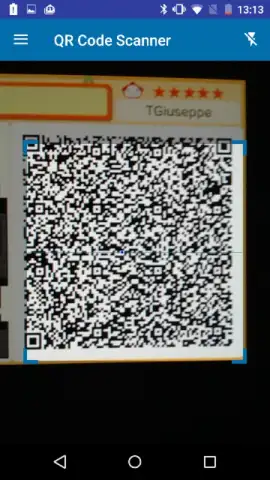
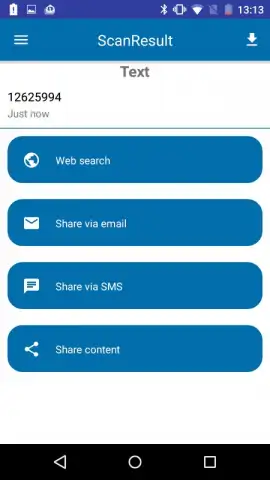
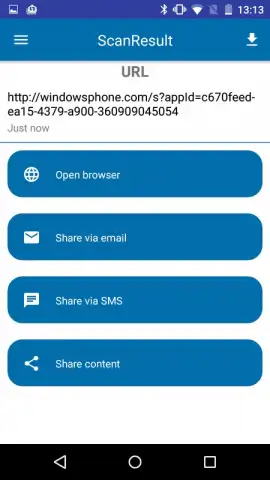
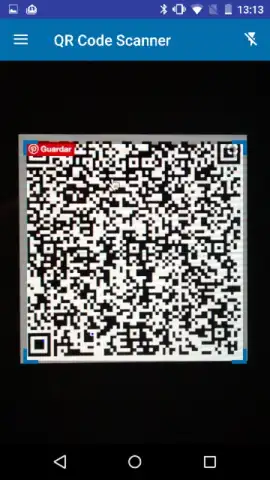
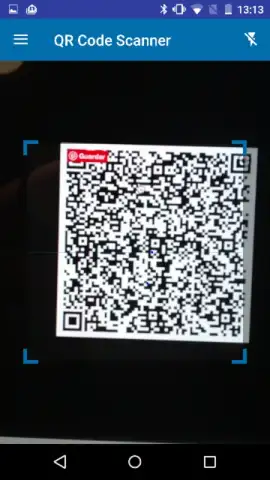
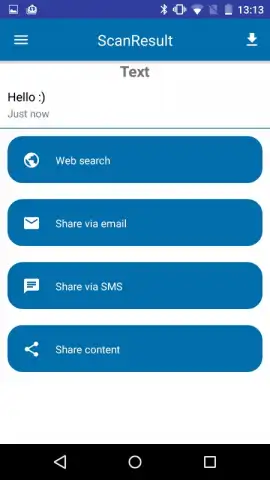
The experience is defined by its effortless speed. You open the app and the scanner activates immediately, using your device's camera to recognize codes in real time. A targeting rectangle helps you align the code perfectly, but an automatic mode takes over to detect and scan without any manual input, dramatically accelerating the process. The information—a website link, contact details, a piece of text—appears on your screen almost the instant the code is in frame. Beyond scanning, the tool provides the ability to generate your own custom QR codes, turning your phone into a creation station for sharing your own information quickly.
- Instant One-Tap Scanning: Activate your camera and scan any QR code in seconds with automatic detection and real-time processing.
- Generate Custom QR Codes: Create personalized codes for websites, contact cards, or plain text directly within the app for easy sharing.
- Turbo Mode & Ad-Free Experience: Enjoy a streamlined, uninterrupted scanning process with optimized performance and no advertisements.
Consider downloading QR Code Scanner to make your daily digital interactions faster and more efficient. It’s the straightforward tool that turns every QR code into an immediate action.
Disclaimer: This application requires an internet connection for certain functions like opening web links. The app is free to use and may contain optional in-app purchases. Data usage depends on the content accessed via scanned codes. Please be aware of your surroundings while scanning.


