

QuickEdit
QuickEdit screenshots (19)
Description QuickEdit
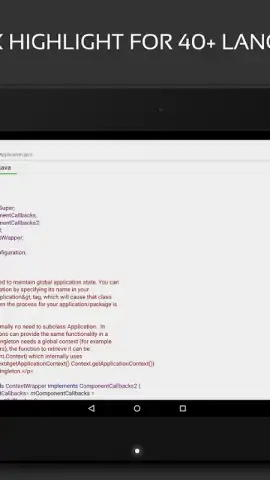
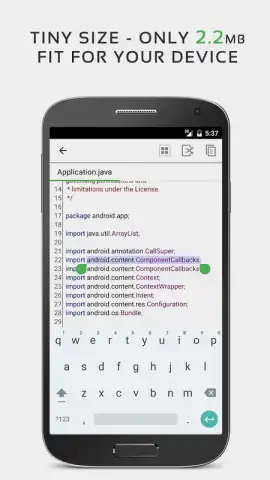
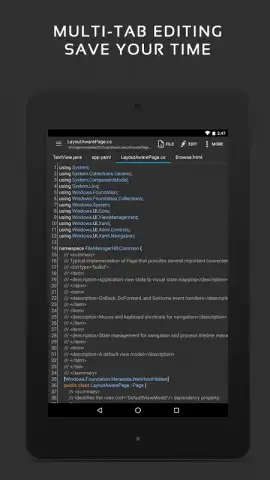
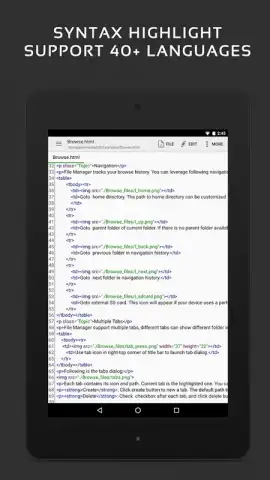
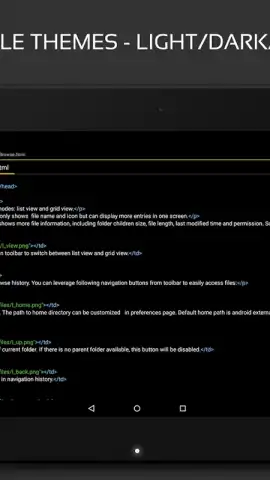
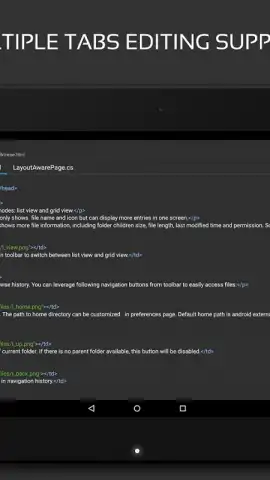
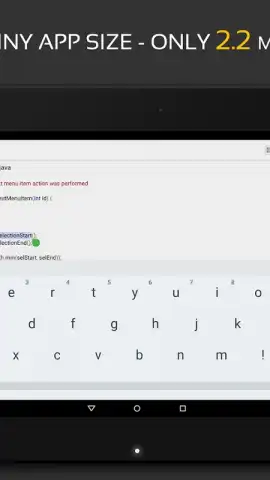
Looking for a robust text editor for Android that handles extensive coding projects without lag? QuickEdit delivers a high-performance environment for editing over fifty programming languages, optimized for stability with files reaching thousands of lines.
Core Functionality for Developers
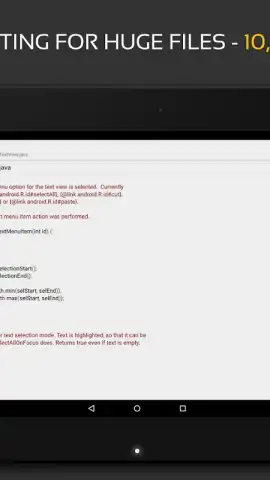
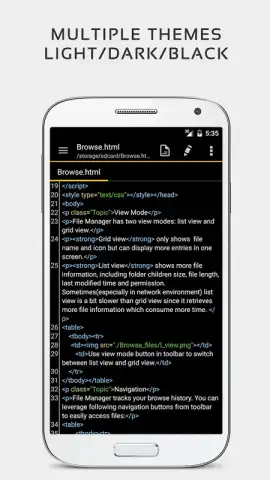
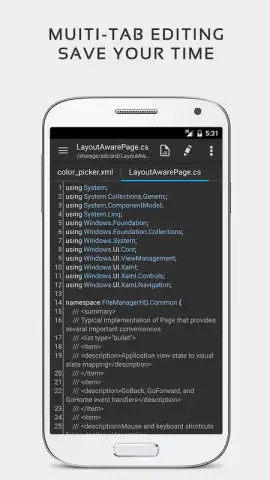
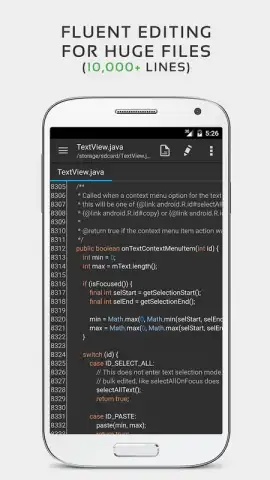
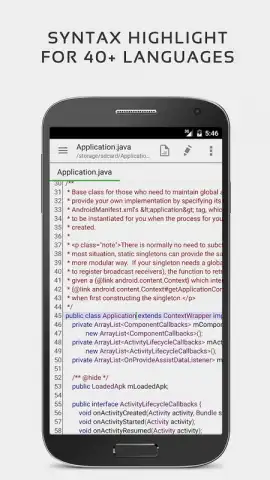
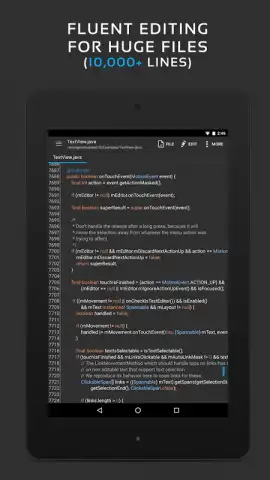
This syntax-highlighting editor provides direct support for languages including C++, C#, Java, HTML, CSS, XML, JavaScript, and PHP. Its engine is built to manage large documents efficiently, allowing you to open and edit texts containing over ten thousand lines without performance degradation. The interface maintains responsiveness during complex edits, ensuring a smooth workflow for both quick notes and substantial codebases.
Advanced Editing and Formatting Tools
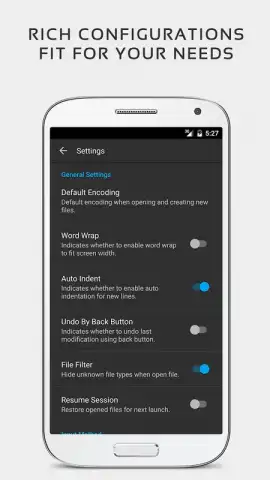
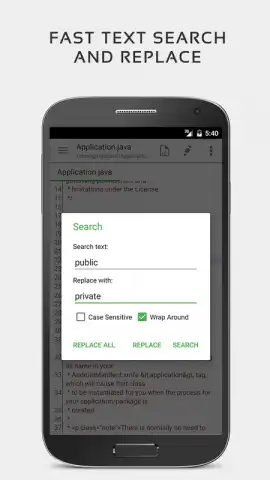
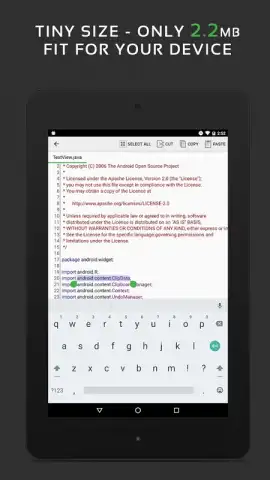
QuickEdit includes professional-grade editing controls. You can undo and redo changes without any step limitations, adjust line indentation in bulk, and enable smooth vertical and horizontal scrolling. The editor allows you to display or hide line numbers and supports direct navigation to any specified line number. A comprehensive search and replace function operates across the entire document for rapid code refactoring.
File and Encoding Management
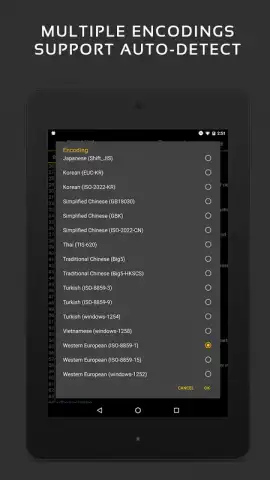
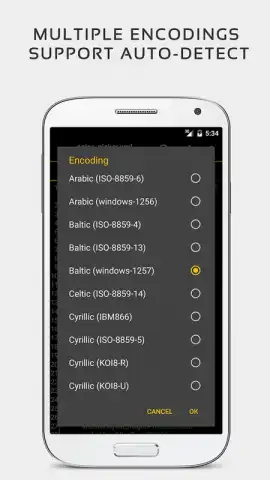
The app offers precise control over text encoding, with automatic character encoding detection and the ability to manually change a file's encoding format. It supports convenient hex color code input for developers working with design-related code. While its primary strength is code editing, the tool also functions effectively as a plain text editor for creating and modifying simple notes and documents instantly.
- Multi-Language Syntax Highlighting: Edits code in C++, Java, HTML, PHP, and 50+ other programming languages.
- High-Capacity File Handling: Opens and edits large text files containing 10,000+ lines without crashing or slowing down.
- Professional Edit Controls: Features unlimited undo/redo, line number toggling, jump-to-line, and advanced search/replace.
We suggest trying QuickEdit if you require a reliable, ad-free text editor that balances advanced coding features with straightforward text manipulation.
Download the QuickEdit mobile app now.
Note: The application requires an internet connection for initial download and certain functions. Some advanced features may be accessed via in-app purchases.
 GooglePlay


