

RVX
RVX screenshots (18)

Description RVX
A Technical Review of RVX: The Modified YouTube Client for Android
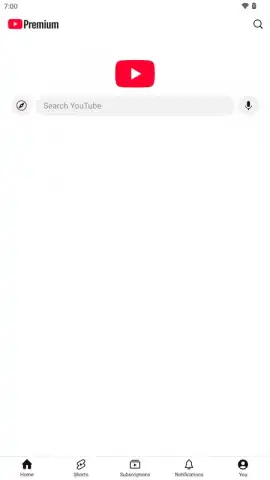
For users seeking to bypass the standard limitations of the official YouTube application, such as intrusive advertising, the inability to play audio in the background without a subscription, and the removal of user feedback metrics, third-party modified clients present a functional alternative. RVX, developed by inotia00, is a fork of the widely recognized ReVanced project. It operates as a patched version of the YouTube APK, integrating a suite of modules and patches that fundamentally alter the application's behavior and interface. This review examines its core mechanics, feature implementation, and practical utility from a technical standpoint.
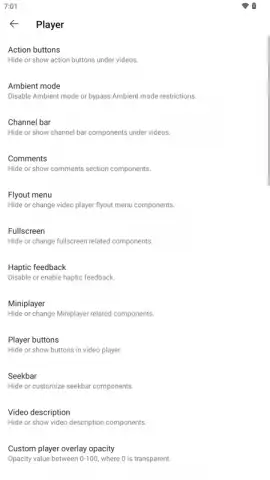
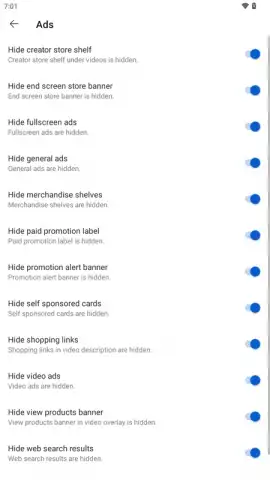
The primary operational layer of RVX is its comprehensive ad-blocking and playback control system. The application employs a patch to intercept and neutralize video ads, banner ads, and sponsored card content within the feed, resulting in an uninterrupted viewing session. Its background playback functionality is not a server-side feature but a client-side modification that decouples audio processing from the video player, allowing the audio track to continue even when the application is minimized or the screen is off. Concurrently, the picture-in-picture mode creates a persistent, resizable video window that remains above other applications, enabling multitasking without interrupting the visual stream.
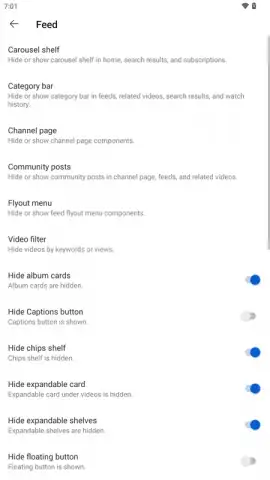
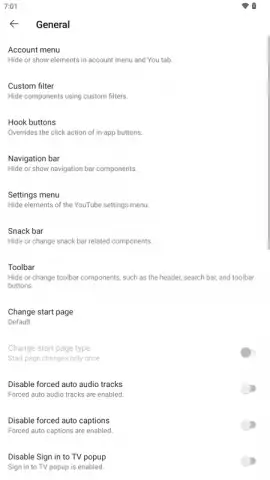
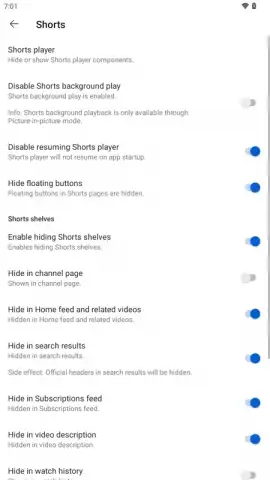
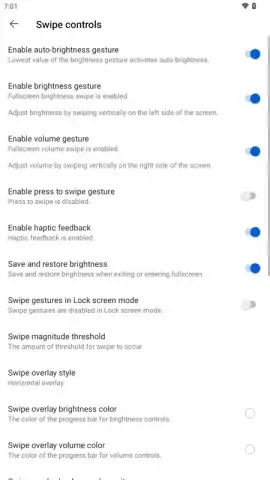
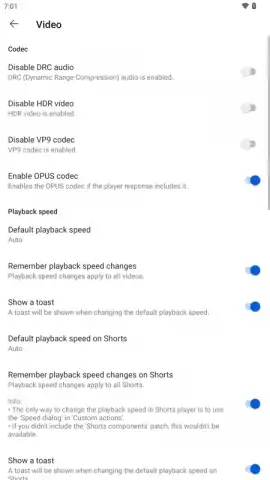
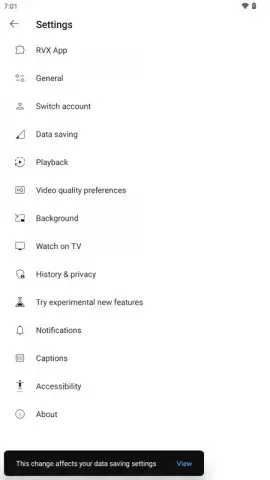
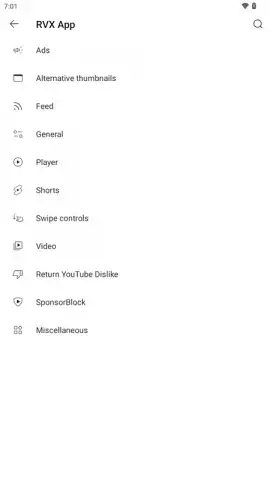
A significant portion of RVX's utility lies in its deep customization of the user interface and playback parameters. Users can modify the layout of video engagement buttons, toggling the visibility of elements like the community posts tab, news shelf, and share panel. For the Shorts interface, it is possible to hide promotional and transactional elements such as the subscribe button and merchandise shelves. Playback behavior for Shorts can be programmed to loop continuously, proceed to the next video automatically, or stop after a single view. Furthermore, the application allows for the enforcement of a default video resolution—users can mandate 1080p or 4K playback for all compatible videos or set a lower resolution to conserve mobile data bandwidth.
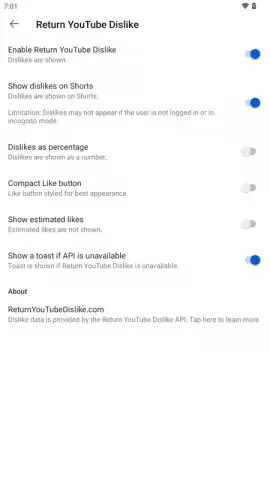
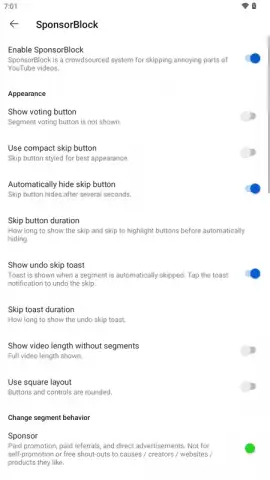
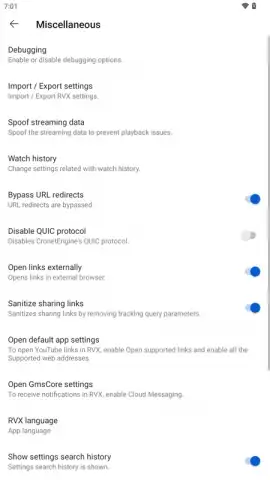
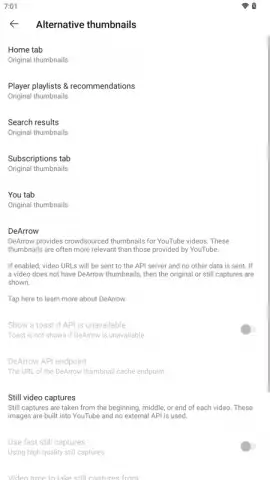
The application extends its functionality through integration with community-driven data services. The SponsorBlock patch utilizes a crowdsourced database to automatically skip predefined segments within videos, including introductions, sponsored content, outro appeals, and interactive reminders. The DeArrow extension replaces potentially sensationalized video thumbnails and titles with alternatives sourced directly from the video content. Additionally, the Return YouTube Dislike (RYD) plugin reinstates the public dislike counter by aggregating data from its own extension user base, providing a supplementary metric for content assessment. Configuration management is handled via import and export functions, allowing users to share complex patch settings or restore their own from a backup.
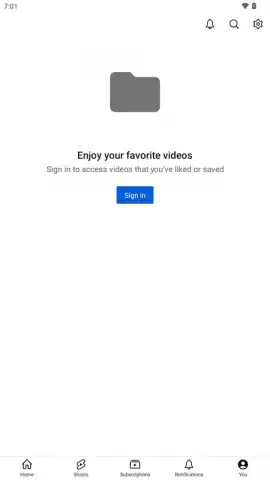
RVX is designed for non-rooted Android devices and relies on the presence of a compatible microG service (GMSCore) to facilitate Google account authentication. This setup enables full synchronization of user-specific data—subscriptions, playlists, watch history, and comments—mirroring the functionality of the official application. The installation process involves sideloading the GMSCore package and the patched RVX APK file, after which standard Google sign-in procedures can be followed within the client.
- Advanced Playback Controls: Enables background audio, picture-in-picture mode, and forced video resolution settings for every stream.
- Comprehensive Interface Customization: Allows granular control over UI elements for both main videos and Shorts, including button layout and autoplay rules.
- Integrated Community Plugins: Incorporates SponsorBlock for ad skipping, DeArrow for thumbnail replacement, and RYD to restore dislike counts.
Install the RVX application now to gain systematic control over your video playback environment and interface.
Disclaimer: This application requires an internet connection. It may involve the use of third-party services and patches not officially endorsed by YouTube. Users are responsible for complying with the terms of service of their platform.


