

Remote Fingerprint Unlock
Remote Fingerprint Unlock screenshots (5)
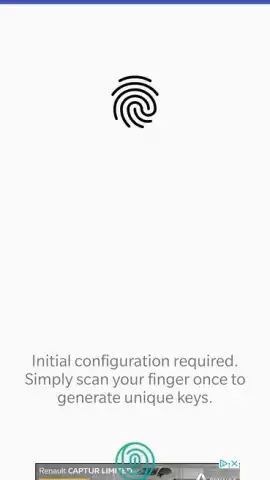
Description Remote Fingerprint Unlock
What if your fingerprint could unlock more than just your phone?
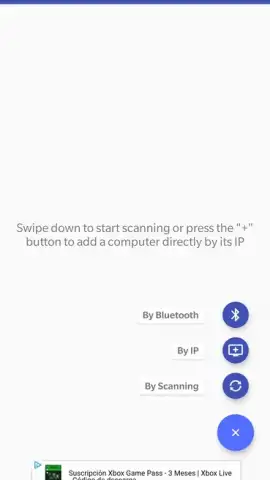
Remote Fingerprint Unlock presents a focused solution for a specific security workflow: using your Android device's biometric sensor to authenticate and unlock a Windows PC. This transforms your phone into a physical security key, moving beyond simple password or PIN-based computer login. The core functionality is technically straightforward but requires initial setup. A companion application, the official Fingerprint module, must first be installed on the target Windows computer. This establishes a secure communication bridge. Subsequently, your Android device pairs with this module via the mobile app. The unlocking procedure is then consistent: when your PC is at the lock screen, you select it within the app and scan your registered fingerprint on your phone to grant access instantly.
The free version of the app permits a permanent bond with a single computer, which is sufficient for most personal workstation setups. Upgrading to the PRO version removes this limitation, allowing you to manage and unlock an unlimited number of PCs from one central device, a practical feature for IT administrators or users with multiple machines. Beyond the primary function, the application offers a degree of customization for the user interface, letting you adjust element placement to suit your preference. It's important to note that this is a tool for convenience and an added layer of authentication, not a replacement for full-disk encryption or advanced network security protocols. Its effectiveness is contingent on both devices being on the same network and the phone having a functional fingerprint sensor.
Core Features and Practical Analysis
- Biometric PC Authentication: Securely unlock a Windows computer by scanning your fingerprint on your paired Android device, replacing typed passwords.
- Mandatory Desktop Module: Requires prior installation of the official Fingerprint helper software on the target PC to establish a secure connection.
- Single or Multi-PC Management: The free tier supports one permanent computer link, while PRO enables unlocking an unlimited number of PCs.
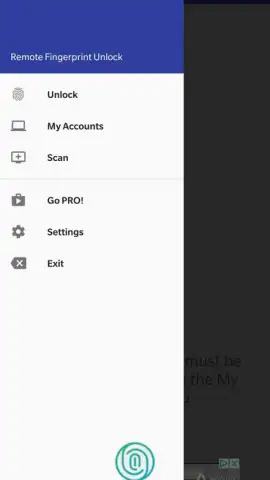
- Streamlined Unlock Process: Initiate unlock by selecting the PC name on your phone's lock screen and completing the fingerprint scan.
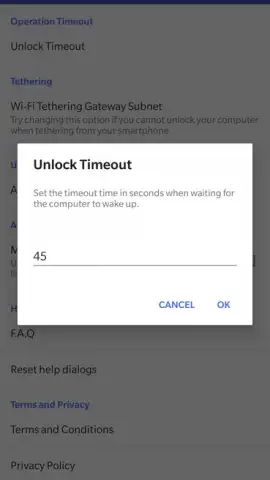
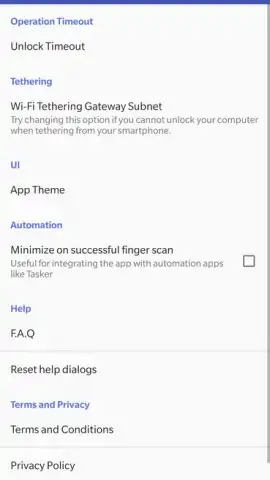
- Customizable Application Interface: Adjust the layout and positioning of UI elements within the app's settings for personalized control.
This tool effectively creates a short-range, biometric-based authentication chain. It is best suited for environments where you frequently lock and unlock your PC and desire a faster, key-like method than manual credential entry. The requirement for the desktop module means it is not a universal solution but a dedicated utility for prepared systems.
Claim your streamlined login advantage and transform your phone into a secure key today.
Disclaimer: This application requires a stable internet or local network connection for communication between your Android device and PC. The PRO version is a paid upgrade with in-app purchases. The app requires a device with a functional fingerprint sensor. Use of this app involves data transfer between your devices over your local network; review the developer's privacy policy for details on data handling. This tool is intended for supplemental security and convenience.
 GooglePlay





