

Samsung Kids Mode
Samsung Kids Mode screenshots (7)

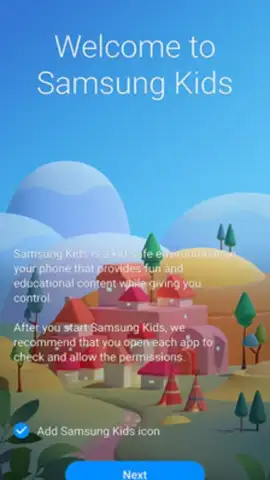
Description Samsung Kids Mode
The Challenge of Shared Devices in a Family Home
When a single smartphone or tablet is used by both adults and children, managing content and screen time becomes a constant concern. Parents need a way to instantly transform their personal device into a safe, controlled environment suitable for a child, without compromising their own data or settings. This review examines Samsung Kids Mode, a dedicated application designed to address this exact scenario on compatible Samsung Galaxy devices.
Functional Analysis of the Child-Friendly Interface
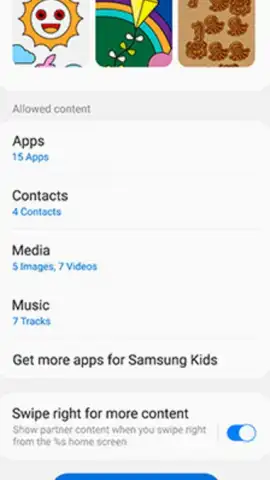
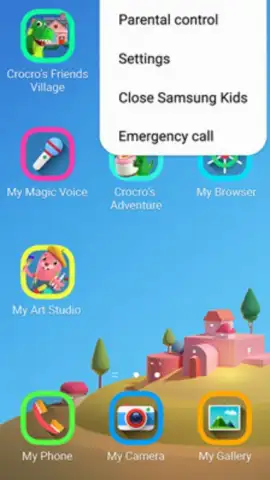
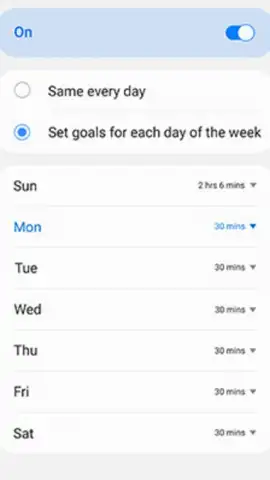
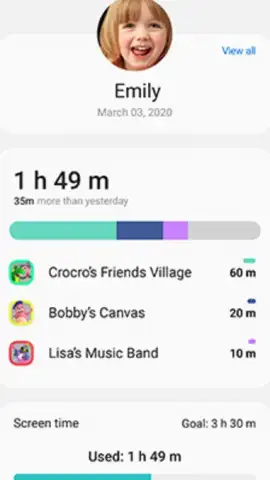
Samsung Kids Mode operates by creating a separate, walled-garden environment on the device. Upon activation, it presents a simplified, visually distinct home screen with large, colorful icons. The standard Android navigation is replaced with an intuitive layout that young children can understand and operate independently. The core function is parental control: adults configure which applications, from both pre-installed and downloaded selections, are accessible within the Kids Mode interface. This ensures that children only interact with parent-approved content. A central management feature is the customizable usage timer, which allows parents to set daily limits on screen time within the mode, after which the environment locks and prompts the child to take a break.
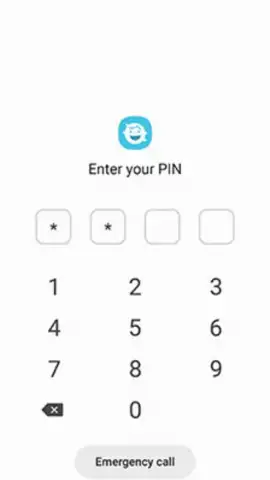
The application includes a suite of curated, built-in activities designed for engagement and light learning. These typically encompass a variety of simple games that develop basic logic and motor skills, creative tools like voice changers and drawing pads, and a selection of animated educational videos. A significant operational note is the absence of third-party advertising within the Kids Mode ecosystem, which eliminates unintended clicks and exposure to unsuitable marketing content. The environment is fully contained; exiting Kids Mode requires a parental PIN, preventing children from accidentally accessing the main device interface, making calls, or altering system settings.
Key Feature Breakdown
- Creates a PIN-protected, standalone interface separate from the main device system.
- Offers comprehensive parental controls for app access and daily screen time limits.
- Includes a pre-loaded suite of child-appropriate games, creative tools, and videos.
- Operates with a completely ad-free experience within the Kids Mode environment.
- Utilizes a simplified, intuitive UI with large icons and easy navigation for children.
Download Samsung Kids Mode immediately to secure your device for your child!
Heads up: you'll need wifi for downloading additional content and videos. Some premium games or activities within the app may require separate purchases.


