
Screen Grabber
Screen Grabber screenshots (6)

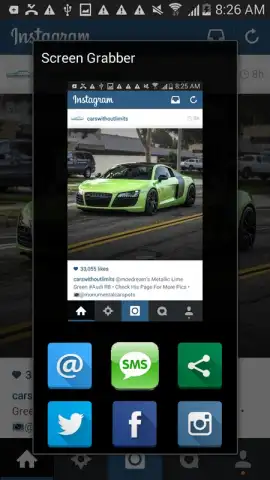

Description Screen Grabber
Never Miss a Moment Again
Imagine scrolling through a video, a live stream, or a crucial work presentation, and that one perfect frame flashes by. You fumble for buttons, but it's gone. That moment of frustration, of wanting to capture exactly what's on your screen with precision and clarity, is exactly what Screen Grabber is built to eliminate. This tool transforms your device into a powerful capture station, letting you grab, save, and share anything visual with a simple tap. No more blurry photos of your screen; this is about getting a pixel-perfect copy every single time.
Your Ultimate Capture Companion
Screen Grabber provides a seamless, floating toolbar that stays accessible over any other app or game. With a single touch, you capture the current screen exactly as you see it. The app intelligently handles dynamic content, from paused videos to scrolling web pages, ensuring the image is crisp and complete. Once captured, the image is instantly saved to your gallery, and you're presented with a suite of quick-edit tools. You can crop to highlight the important section, annotate with text or arrows for clarity, or blur sensitive information before sharing. It’s designed for speed and utility, turning a complex task into a one-step process.
Why Your Workflow Demands This Tool
- Zero-Lag Capture: Experience instantaneous screenshots without any delay or stutter, even during high-performance activities like gaming or video playback.
- Smart Editing Suite: Immediately crop, annotate, draw, or pixelate parts of your screenshot without ever leaving the app, streamlining your sharing process.
- Discreet Floating Icon: A minimal, movable button gives you constant access without intruding on your screen real estate, disappearing when not in use.
- High-Fidelity Output: Captures are saved in optimal resolution, preserving every detail for professional use, documentation, or personal archives.
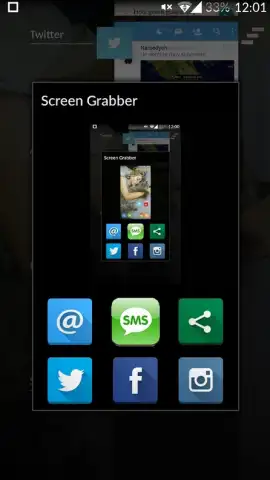
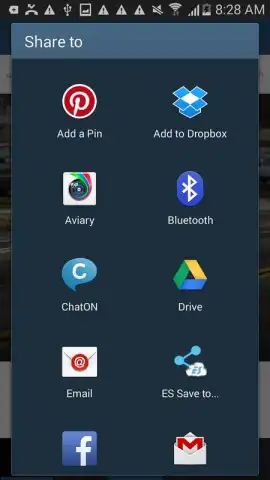
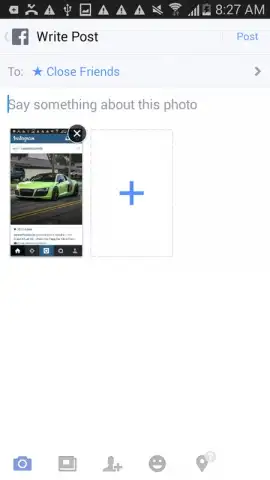
- One-Tap Sharing: After editing, share your capture directly to any social media platform, messaging app, or cloud storage with a single button press.
- Universal Compatibility: Works flawlessly across apps, browsers, games, and live content, making it the only screen capture tool you'll need.
Download Now & Capture Perfectly Today
This level of streamlined, powerful screen capture is transforming how people save information. For a limited time, experience the premium version of Screen Grabber with exclusive early-access features. Don't settle for clumsy workarounds—install now and upgrade your digital toolkit today.
Internet required. IAP available.


