

Wi-Fi GO! & NFC Remote
Wi-Fi GO! & NFC Remote screenshots (5)
Description Wi-Fi GO! & NFC Remote
Imagine this: you're on the train, and you realize the crucial presentation file is on your home PC. With a few taps on your phone, your desktop appears, you grab the file, and email it to your team—crisis averted, all before your next stop. This is the seamless control promised by Wi-Fi GO! & NFC Remote, transforming your Android device into a powerful command center for your computer.
This application from ASUS delivers comprehensive remote PC management, providing access from virtually any location at any time. It’s engineered for a fluid workflow, allowing you to manage and synchronize files across devices with a single click. The core experience is built on seamless file management and robust remote desktop access, ensuring you maintain control over your PC even when you're miles away from your desk. By integrating multiple connectivity functions into one streamlined interface, the app significantly enhances both your connectivity and overall productivity.
Centralized Cloud Command and File Management
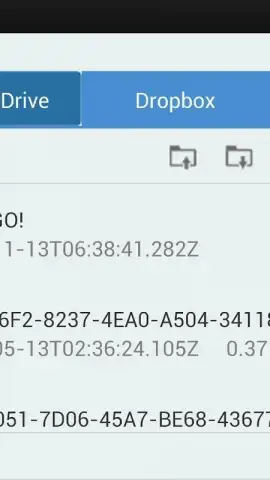
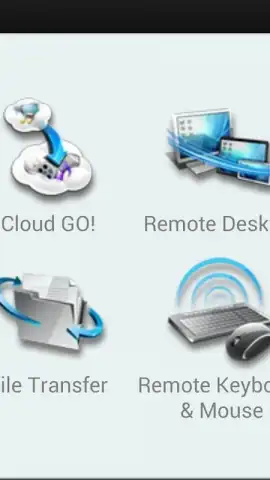
One of the standout operational tools is the Cloud GO! feature. It acts as a unified dashboard for your disparate cloud storage solutions, including ASUS WebStorage, Dropbox, Google Drive, and OneDrive (formerly Skydrive). This consolidation allows you to manage all your accounts from a single pane, enabling simultaneous backup operations directly to your PC. This method of efficient cloud resource management eliminates the need to switch between multiple apps, providing a convenient and streamlined experience for users who depend on various storage services. The intuitive interface simplifies these advanced processes, making the app equally suitable for tech-savvy professionals and those new to remote management.
Uninterrupted Remote Desktop Control
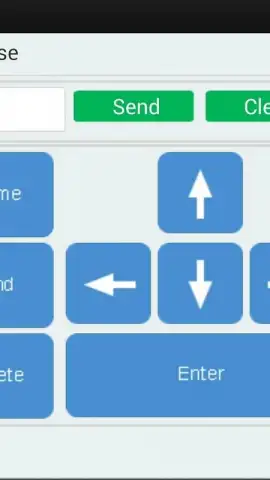
Whether you're working from home or managing tasks on the go, the Remote Desktop function provides direct, accessible control over your PC. This service extends to full remote keyboard and mouse input, delivering a smooth and responsive interaction with your desktop environment from a distance. The app's design prioritizes straightforward connectivity, requiring only basic setup parameters like a Wi-Fi or internet connection and a one-time login to establish a secure link from your mobile device to your computer.
Advanced Device Synchronization and NFC Transfers
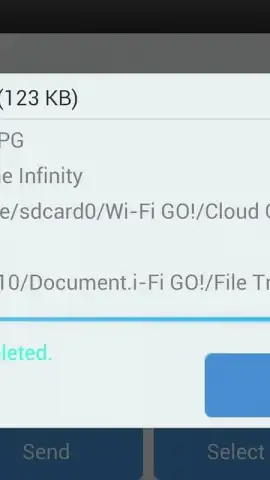
The app excels in rapid file transfer capabilities, offering a quick and simple method to sync data between your PC and your smart devices. For enhanced convenience, it supports NFC-based synchronization, enabling instant data exchange with a simple tap. This functionality requires compatible NFC-enabled devices and the ASUS NFC EXPRESS 2 accessory, pushing the boundaries of wireless device pairing. These features solidify Wi-Fi GO! & NFC Remote as an essential tool for anyone seeking powerful remote connectivity and management solutions, ensuring a consistently efficient and uninterrupted user experience.
- Cloud GO! Hub: Unify ASUS WebStorage, Dropbox, Google Drive, and OneDrive into a single dashboard for simultaneous management and PC backup.
- Remote Desktop & Input: Gain full control of your PC with remote keyboard and mouse functionality over a stable Wi-Fi or internet connection.
- Tap-to-Sync with NFC: Enable instant file transfers between devices using NFC technology, requiring compatible hardware for seamless operation.
Download Now & Transform Your Workflow! Exclusive access to this level of remote control is a game-changer—get the Wi-Fi GO! & NFC Remote app today and unlock professional-grade PC management from your pocket. Limited-time offer for new users to experience seamless integration!
Heads up: you'll need wifi for most features. Some cool stuff is extra. NFC functionality requires specific compatible devices and the ASUS NFC EXPRESS 2 accessory.


