

WPS Office
WPS Office screenshots (25)
Description WPS Office
Your Phone Just Became a Powerhouse Office
Imagine you’re on the train, and a client emails a contract that needs a quick edit before your next stop. Or picture yourself in a coffee shop, needing to tweak a presentation slide from a collaborator on the other side of the world. You reach for your phone, not your laptop. This is the reality WPS Office unlocks. It transforms your Android device into a genuine, full-featured office suite, letting you view, create, edit, and share documents anywhere life takes you. No more being chained to a desk. Your most important work moves when you do.
Dive Into a World of Professional Tools
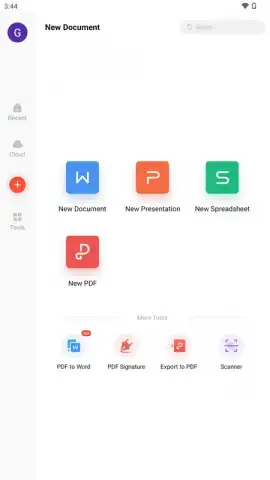
WPS Office packs the powerful trio you rely on—Writer, Spreadsheets, and Presentation—into a sleek, mobile-friendly experience. But it goes far beyond just opening files. This is about creating, collaborating, and commanding your workflow from the palm of your hand.
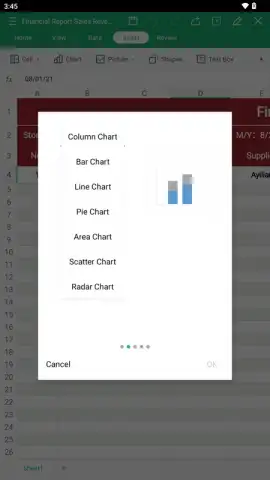
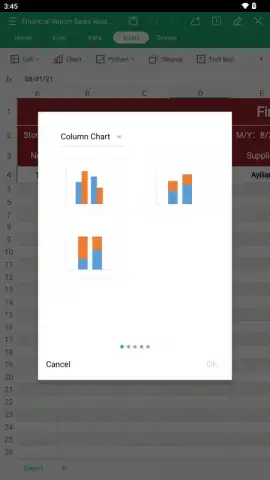
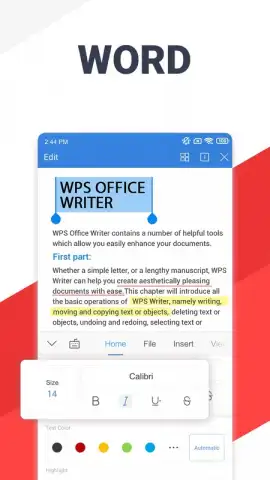
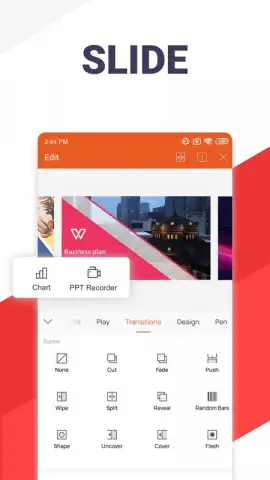
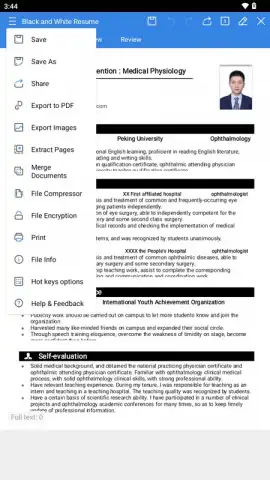
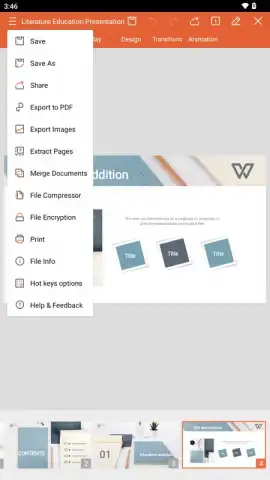
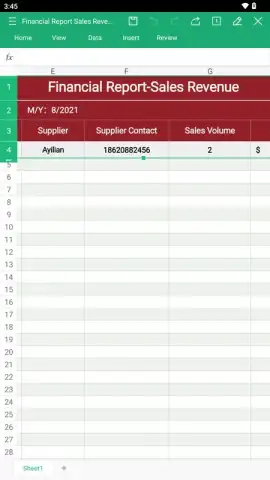
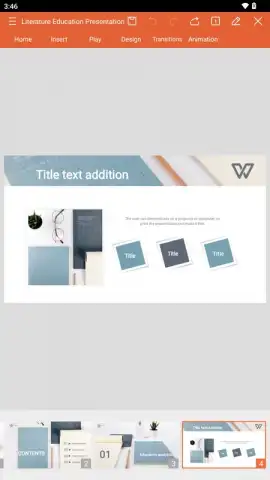
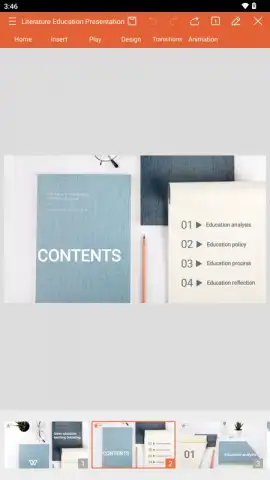
Feel the confidence of drafting a flawless report in Writer, where advanced formatting, spell-check, and tools for adding comments or tracking changes make teamwork seamless. Crunch numbers and visualize data in Spreadsheets with hundreds of formulas at your fingertips, turning raw data into compelling charts and graphs in moments. When it’s time to present, Presentation lets you build stunning slideshows complete with animations and transitions, directly on your device, and even project them without needing a computer.
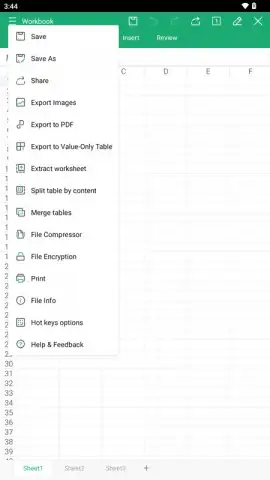
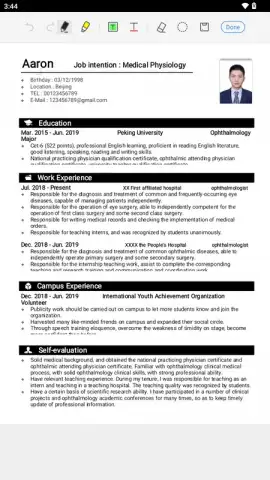
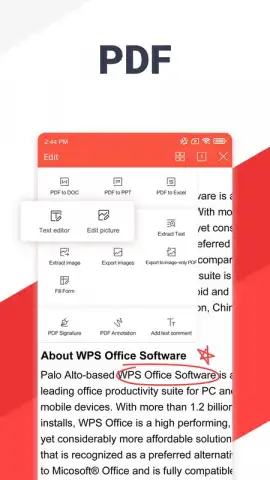
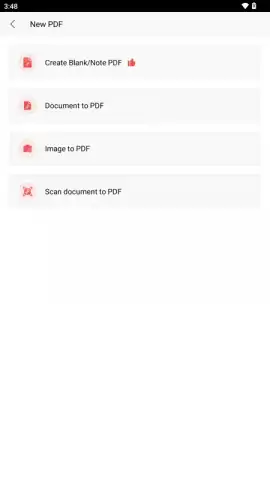
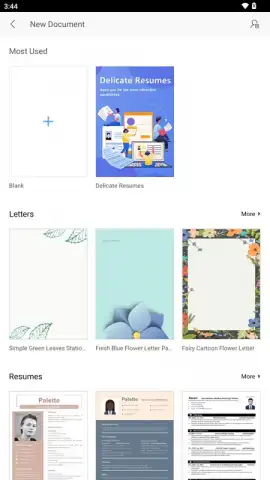
One of its standout strengths is deep PDF integration. You’re not just viewing PDFs; you’re interacting with them. Annotate, highlight, add comments, or sign documents digitally, making it an essential tool for reviewing proposals or finalizing paperwork. For true mobile freedom, WPS Office connects effortlessly to your cloud storage like Google Drive, Dropbox, and OneDrive. Every edit you make is saved automatically, so you never lose progress and can pick up right where you left off on any device. Jumpstart any project with a vast library of professionally designed templates for documents, spreadsheets, and presentations, saving you hours of design work.
- All-in-One Document Mastery: Open, edit, and create DOC, DOCX, XLS, XLSX, PPT, PPTX, TXT, and PDF files directly on your phone or tablet. Full compatibility means no formatting nightmares.
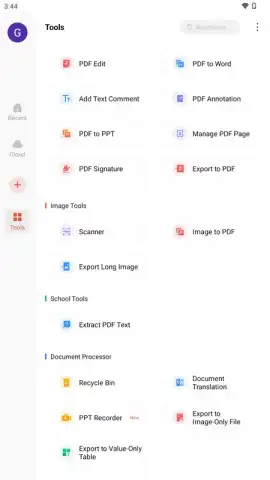
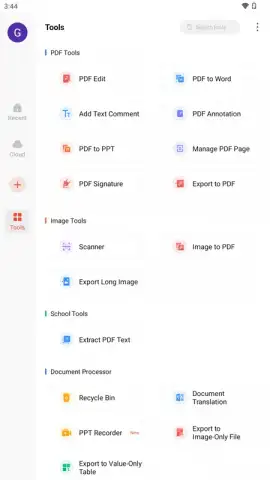
- Advanced PDF Suite: Go beyond basic viewing. Edit PDF text, add annotations, insert digital signatures, and convert documents to other formats (premium feature), turning your phone into a portable document workstation.
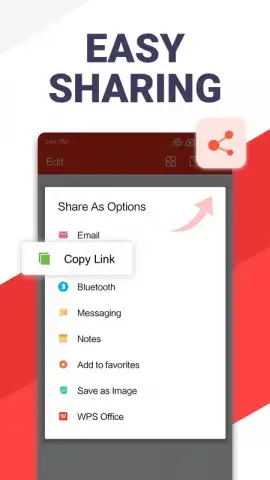
- Real-Time Collaboration: Share a link and work on documents, spreadsheets, or presentations simultaneously with colleagues. See edits happen live, perfect for team projects and last-minute revisions.
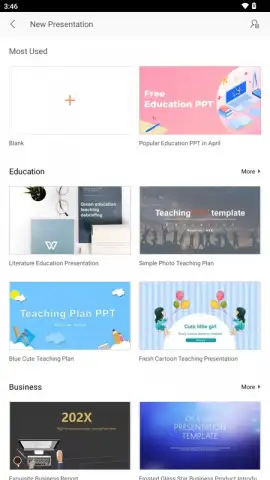
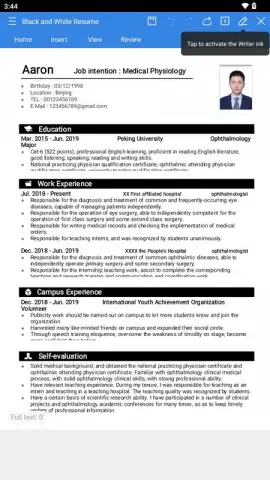
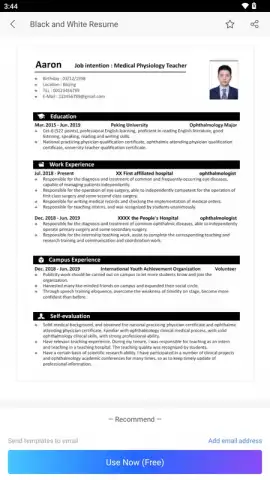
- Intelligent Templates: Access a constantly updated collection of beautiful, ready-to-use templates. From invoices and resumes to business plans and marketing decks, look professional in seconds.
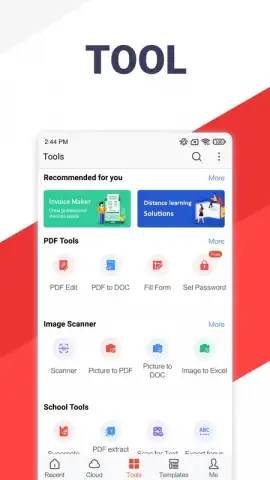
- Powerful Bonus Tools: Scan physical documents into crisp PDFs using your camera, translate entire documents between languages, and convert file formats on the go. It’s a full utility belt for digital paperwork.
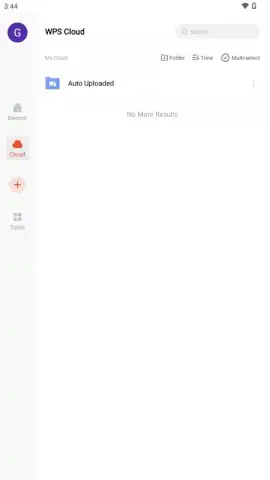
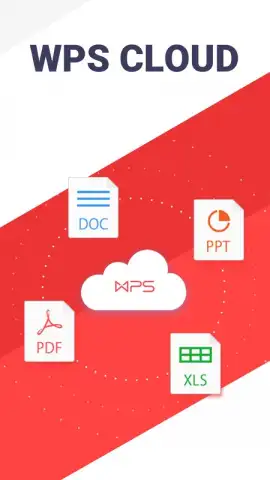
- Seamless Cloud Sync: Your work is automatically saved and synced across devices via integrated cloud services. Start a document on your phone and finish it on your tablet or computer without any manual transfers.
- Ad-Free Turbo Mode: Experience a clean, focused workspace. Activate Turbo mode to remove advertisements and unlock a smoother, uninterrupted workflow for maximum productivity.
Stop compromising on capability when you’re away from your desk. Your mobile device is powerful enough to handle serious work—WPS Office provides the proven, professional tools to make it happen. This is the office suite that meets you where you are, turning downtime into productive time and ideas into finished projects.
Download WPS Office now and put a complete office in your pocket today!
Heads up: For full functionality like advanced PDF editing and an ad-free experience, a WPS Pro subscription is available. A stable internet connection is recommended for cloud sync, real-time collaboration, and accessing template libraries.
 GooglePlay


