

Adobe Brush CC
Adobe Brush CC screenshots (6)

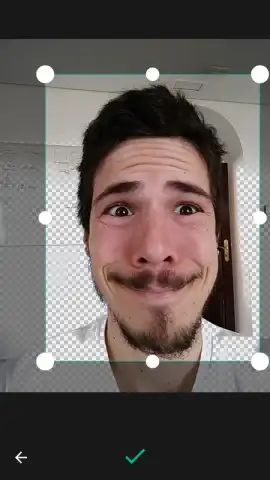
Description Adobe Brush CC
A New Way to Personalize Your Digital Canvas
For digital artists and photo editors, the quest for the perfect brush texture is a constant process. Traditionally, this meant being tethered to a desktop, scouring libraries, or attempting complex custom creations within Photoshop itself. Adobe Brush CC shifts this paradigm entirely, placing the power of professional-grade brush creation directly into the palm of your hand. This official Android application transforms your mobile device from a passive tool into an active studio, allowing for the spontaneous capture of texture and its immediate conversion into a fully functional Photoshop asset. It effectively bridges the gap between real-world inspiration and digital execution, streamlining a workflow that was previously fragmented.
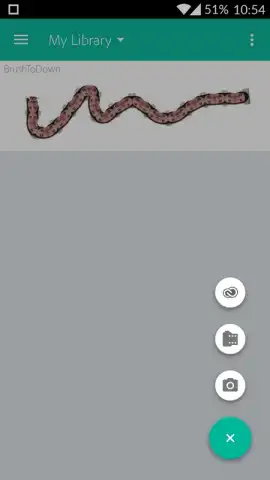
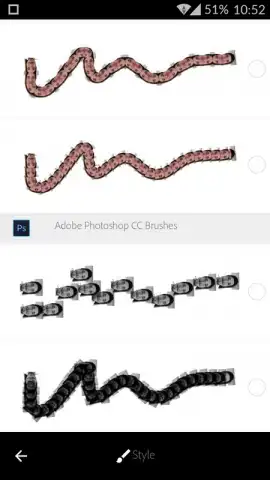
The core mechanic is both ingenious and straightforward. The application leverages your device’s camera and photo gallery as direct inputs for brush design. You can capture a texture on the fly—whether it’s the grain of weathered wood, the pattern of fabric, or the delicate edge of a leaf—or select any existing image from your library. The software then processes this image, converting it into a usable brush tip. Crucially, the app includes an integrated testing canvas. This allows for immediate, real-time experimentation with the newly created brush, enabling you to adjust pressure, spacing, and flow to see the exact stroke pattern before finalizing. Once satisfied, the brush is saved locally in a format ready for seamless import into the desktop version of Adobe Photoshop, completing a mobile-to-desktop creative pipeline.
Detailed Feature Analysis
Adobe Brush CC is built for efficiency and integration within the Adobe ecosystem. Its value lies not in overwhelming complexity, but in executing a specific task with precision.
- Direct Image-to-Brush Conversion: Transform any photograph or captured image from your Android device’s gallery into a customizable brush tip in seconds.
- Integrated Live Testing Canvas: Instantly preview and test your brush strokes with adjustable settings before finalizing the asset for use.
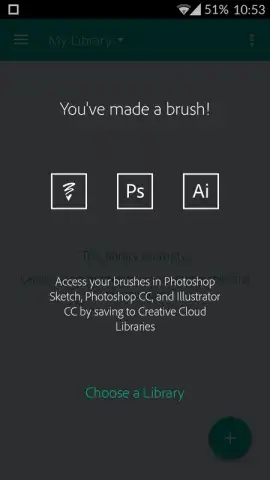
- Seamless Photoshop Desktop Integration: Export created brushes directly to your Creative Cloud library for immediate use in Photoshop on your computer.
- Camera-Based Texture Capture: Utilize your device’s camera to scan and import real-world textures, patterns, and details directly into your digital toolkit.
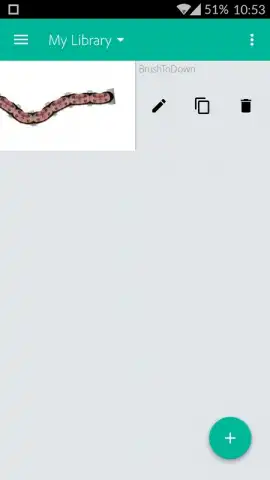
- Local Storage and Management: Save and organize your entire collection of custom brushes directly on your mobile device for easy access and portability.
This tool eliminates a significant friction point for professionals and enthusiasts alike. Instead of interrupting a creative session on the desktop to search for resources, inspiration can be acted upon immediately, anywhere. The brushes you create are inherently unique, offering a level of personalization and authenticity that pre-made packs cannot match. For illustrators, photo compositors, and digital painters, it represents a fundamental shift towards a more fluid and responsive creative process.
Download Adobe Brush CC Now
This is more than just a utility; it's a key to unlocking a more personalized and efficient creative workflow. For a limited time, experience the official Adobe standard for mobile brush creation. Download Adobe Brush CC today and start building your exclusive library of signature brushes—your next project deserves that unique touch.
Disclaimer: This application requires an internet connection for initial download, account verification, and cloud syncing. It is intended for users aged 13+. Data usage may apply depending on your sync settings and connection. While the app itself is free, full integration requires access to Adobe Photoshop, which is a separate subscription service. Always review the app's permissions and terms of use on the official Google Play Store listing.


