

Root ToolCase
Root ToolCase screenshots (22)





Description Root ToolCase
A Comprehensive Toolkit for the Rooted Android Enthusiast
For users who have taken the step of rooting their Android device, the quest for deeper control and system optimization is a constant pursuit. Root ToolCase by cpu82 presents itself as a consolidated utility suite designed to address this need directly. It moves beyond simple file management, offering a structured environment to execute advanced modifications, clean system debris at a fundamental level, and tailor the device's software behavior. This review examines its core functionalities to determine if it delivers the granular control that advanced users require.
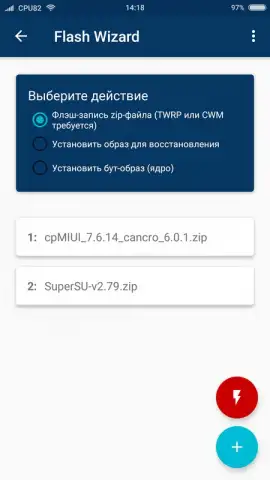
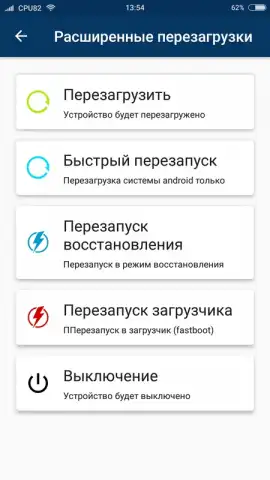
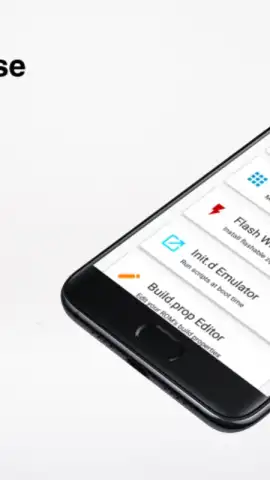
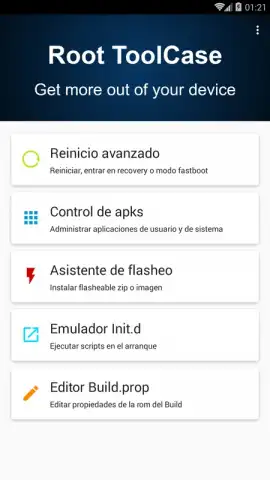
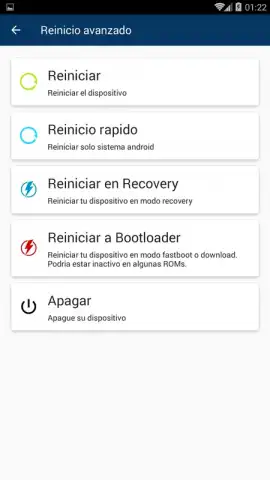
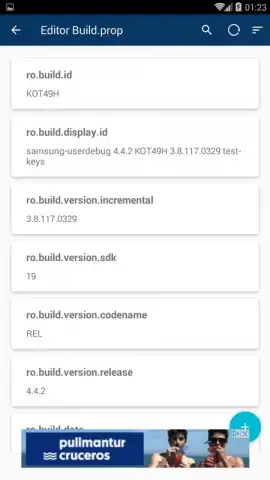
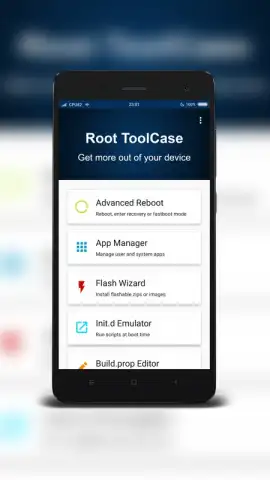
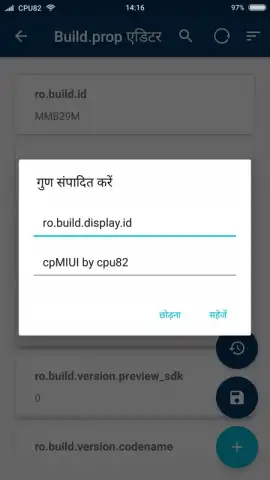
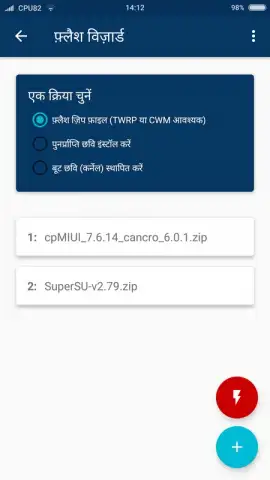
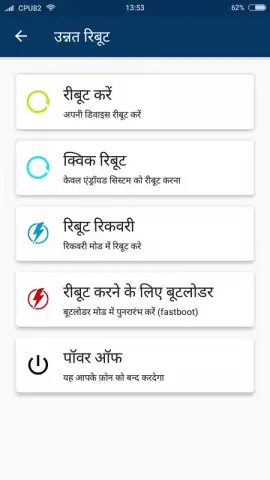
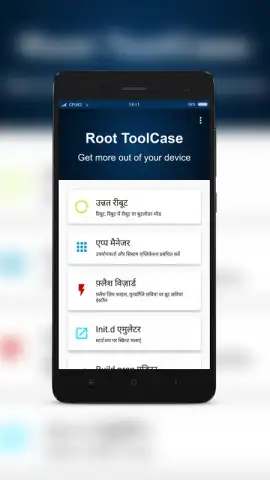
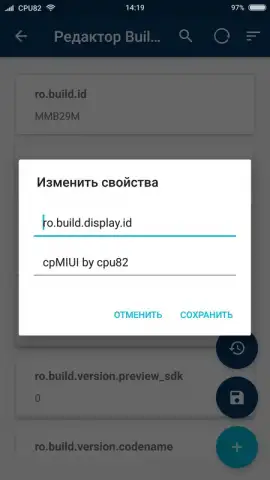
The application operates on the principle of centralized access. Instead of juggling multiple specialized tools, it provides a unified dashboard for system-level tasks. The Build.prop Editor is a key component, allowing for direct modification of the system's build properties file. This is where users can alter device identifiers, enable hidden features, or tweak performance parameters that are otherwise locked. Similarly, the Advanced Reboot menu streamlines access to boot modes, offering one-tap entry into recovery or safe mode, which is essential for troubleshooting or installing custom firmware. Another significant module is the flash device installer, which facilitates the installation of ZIP packages—typically used for custom kernels, mods, or ROMs—directly from the application's interface, simplifying a process that often requires manual bootloader navigation.
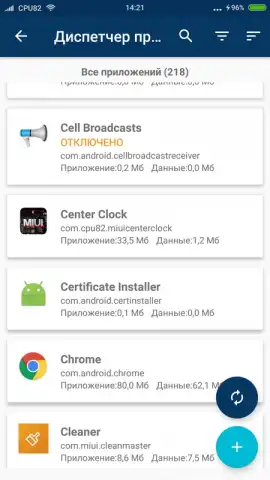
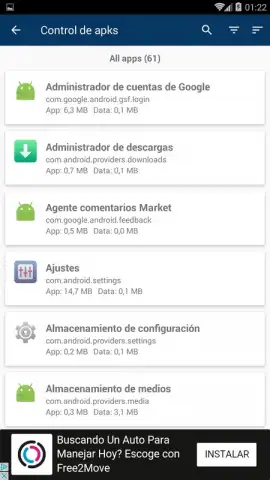
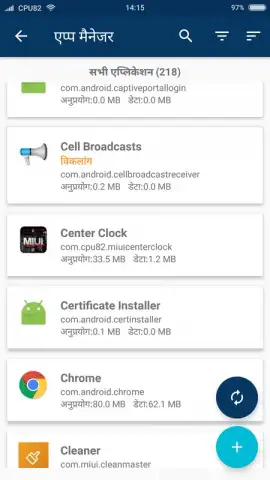
Where Root ToolCase aims to differentiate itself is in its approach to system hygiene and space recovery. Its uninstaller targets bloatware and unwanted applications for complete removal, attempting to delete associated data and leftover directories that standard uninstallers leave behind. The cache cleaning function is also designed to be more thorough, targeting temporary files across the system and user applications to free up RAM and storage. The application notes that its "Turbo" features enhance these processes, though the exact technical mechanisms are not detailed within the app's description.
- Build.prop & System Editor: Modify core system properties and ROM settings to enable hidden features or adjust performance parameters.
- Advanced Reboot & Recovery: Access bootloader, recovery, and safe mode directly from the app for system maintenance and flashing.
- Deep System Cleaner: Remove apps and their residual data completely, and clear cache files to reclaim storage and memory.
For users with a rooted device who are actively managing its software environment, Root ToolCase consolidates several necessary functions into a single interface. You might find its structured approach to system editing and maintenance a practical addition to your toolkit. Consider downloading Root ToolCase to explore its potential for device customization.
Download mobile app now
Disclaimer: This application requires a rooted Android device and a stable internet connection for initial download and potential feature updates. Some functions carry inherent risk of system instability if used incorrectly.


